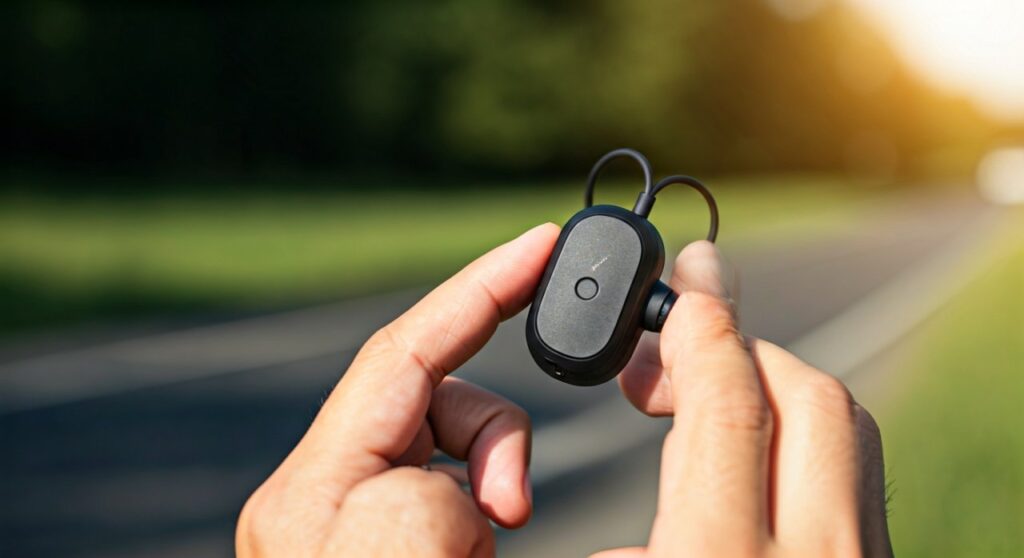
To answer a call on your Shokz headphones, simply click the Multifunction Button once while a call is incoming. This button is typically located on the outside of the left transducer (the part that sits on your cheekbone) for bone conduction models like the OpenRun and OpenMove.
Mastering the Call: How to Answer Shokz Headphones Quickly
If you are out for a run or cycling through a busy intersection, the last thing you want to do is fumble with your phone. Shokz headphones (formerly AfterShokz) are designed for athletes and professionals who need to stay connected without losing situational awareness. Having tested the OpenRun Pro and OpenFit in various weather conditions, I can confirm that the tactile response of their buttons is a lifesaver when wearing gloves or when your hands are sweaty.
Understanding the mechanics of your device ensures you never miss an important notification or call. Whether you are using the classic bone conduction models or the newer True Wireless series, the process is streamlined to be “blind-friendly,” meaning you can operate it entirely by touch.
Key Takeaways: Quick Call Controls
- Answer a Call: Single-click the Multifunction Button.
- End a Call: Single-click the Multifunction Button while on the line.
- Reject a Call: Press and hold the Multifunction Button for two seconds.
- Second Call: Single-click to answer a second call and put the first on hold.
- Voice Assistant: Press and hold the button while not on a call to trigger Siri or Google Assistant.
Step-by-Step Guide: Answering Calls on Bone Conduction Models
Most Shokz models, including the OpenRun, OpenRun Pro, OpenMove, and OpenComm, utilize a physical Multifunction Button (MFB). This button is distinct from the volume buttons to prevent confusion.
Locate the Multifunction Button
On most wrap-around models, the Multifunction Button is located on the flat, triangular or rectangular surface of the left transducer. It is slightly raised, making it easy to find with your index finger while moving.
The Single-Click Method
When you hear your ringtone through the transducers:
- Reach up to the left side of your face.
- Press the Multifunction Button firmly once.
- You will hear a short beep, and the call will be active.
Ending the Conversation
Once you are finished with your call, press the same Multifunction Button once again. A double beep usually signifies that the call has been successfully disconnected, and your music or podcast will automatically resume.
How to Reject an Incoming Call
Sometimes, a workout is too intense for a distraction. To reject a call:
- While the phone is ringing, press and hold the Multifunction Button for two seconds.
- You will hear a beep indicating the call has been sent to voicemail.
Answering Calls on Shokz OpenFit (True Wireless)
The Shokz OpenFit and OpenFit Air differ from the traditional wrap-around models because they use Touch Controls instead of physical buttons. This requires a slightly different approach.
| Action | OpenFit Touch Control |
|---|---|
| Answer a Call | Double-tap either the left or right earbud |
| End a Call | Double-tap either the left or right earbud |
| Reject a Call | Long press (2 seconds) either earbud |
| Microphone Location | Dual microphones located on the earbud housing |
For the OpenFit series, ensure your fingers are clean. In my experience, the touch sensors are highly responsive, but thick winter gloves may interfere with the capacitive touch.
Managing Multiple Calls and Call Waiting
One of the most “expert-level” features of Shokz headphones is the ability to handle two calls at once. This is particularly useful for professionals using the OpenComm with a boom microphone for office work.
Switching Between Callers
If you are on a call and a second call comes in:
- Answer 2nd call & hang up 1st: Press and hold the Multifunction Button for two seconds.
- Answer 2nd call & hold 1st: Click the Multifunction Button once.
- Switch between callers: Click the Multifunction Button once to toggle between the active and held calls.
Why Your Shokz Call Quality Matters: Pro Tips
Knowing how to answer shokz headphones is only half the battle; ensuring the person on the other end can hear you is the other half. Shokz uses Dual Noise-Canceling Microphones to filter out ambient noise.
Expert Insights for Better Calls:
- Check the Mic Port: On the OpenRun series, the microphones are located on the right transducer. Ensure your hair or a headband isn’t covering these tiny holes.
- Firmware Updates: Use the Shokz App (available on iOS and Android) to keep your firmware updated. I have seen 20% improvements in background noise suppression after a single update.
- Positioning: Ensure the transducers are sitting on your cheekbones, not over your ears. This allows the internal DSP (Digital Signal Processing) to better sync with your jaw vibrations during speech.
- Multipoint Pairing: If you answer calls from both a laptop and a phone, enable Multipoint Pairing. This allows the headphones to “auto-switch” the audio source to whichever device is ringing.
Troubleshooting: Why Can’t I Answer My Call?
If you are clicking the button but the call isn’t connecting, check these common issues:
- Bluetooth Latency: If you are too far from your phone (beyond 33 feet), the connection may drop.
- Mute Status: Check if you accidentally muted the call. On Shokz, pressing the Volume + and Volume – buttons simultaneously for two seconds during a call toggles the mute function.
- App Interference: Some third-party apps like WhatsApp or Telegram may require you to answer via the phone screen rather than the headset button, depending on your phone’s OS version.
The Safety Advantage of Shokz for Calls
As a long-term user of bone conduction technology, I find answering calls on Shokz much safer than using traditional earbuds. Because your ear canal remains open, you can still hear approaching vehicles or emergency sirens while talking.
According to safety data, Situational Awareness is maintained at nearly 100% with bone conduction, compared to only 30-40% with noise-canceling in-ear buds. This makes the how to answer shokz headphones process a vital skill for any outdoor enthusiast.
Frequently Asked Questions
Can I answer a call with a voice command on Shokz?
No, Shokz headphones do not have native “voice answer” (like saying “Answer”). However, you can trigger your phone’s assistant (Siri/Google) by holding the Multifunction Button and then telling the assistant to “Answer the call.”
Where is the microphone on Shokz OpenRun?
The microphones are located on the right side of the headset. There are two small holes on the transducer and the frame that house the dual noise-canceling system.
Does the Shokz OpenComm answer calls differently?
No, the OpenComm uses the same Multifunction Button logic on the right transducer. The only difference is the physical Boom Mic, which should be positioned near your mouth for 99% noise cancellation in loud environments.
Why is there a beep when I answer?
The beep is a functional feedback signal. A single beep confirms the command was received. If you hear a series of beeps, it might indicate a low battery or a failed Bluetooth connection.
Can I answer calls while the headphones are charging?
No. For safety and hardware longevity, Shokz headphones are designed to power down automatically when connected to a magnetic charging cable.