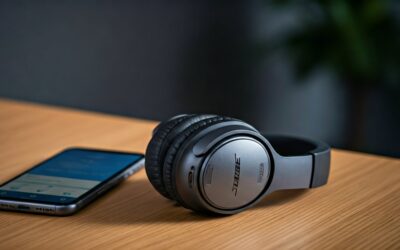
Understanding How to Connect Headphones to Peloton for an Immersive Workout
To learn how to connect headphones to peloton, simply open the Settings menu on your Peloton touchscreen, select Bluetooth, and put your headphones into pairing mode. Once your device name appears on the list, tap it to sync audio instantly. This works for popular models like Apple AirPods, Powerbeats, and Bose wireless headsets.
Whether you are powering through a high-intensity interval ride or a scenic row, high-quality audio is essential. Using headphones allows you to focus on the instructor’s cues without distracting others in your household. This guide covers every technical step, troubleshooting tip, and expert hack I have discovered through hundreds of hours on the Peloton Bike+ and Tread.
Key Takeaways: Connecting Your Audio Gear
| Method | Best For | Connection Type | Ease of Setup |
|---|---|---|---|
| Bluetooth Pairing | Cord-free movement | Wireless | Easy |
| 3.5mm Audio Jack | Zero latency/No battery | Wired | Plug-and-Play |
| Apple Watch | Seamless ecosystem | Bluetooth/NFC | Moderate |
| External Speakers | Group workouts | Bluetooth/Aux | Easy |
Step-by-Step: How to Connect Bluetooth Headphones to Peloton
Most users prefer wireless freedom. The Peloton tablet runs on a modified version of Android, making the Bluetooth pairing process very similar to a smartphone.
Put Your Headphones in Pairing Mode
Before touching the Peloton screen, ensure your headphones are ready to “talk” to a new device.
- Apple AirPods: Place them in the case and hold the button on the back until the light flashes white.
- Sony/Bose: Usually involves holding the power button for 5-7 seconds until a voice says “Pairing.”
- Beats: Hold the power button until the fuel gauge lights pulse.
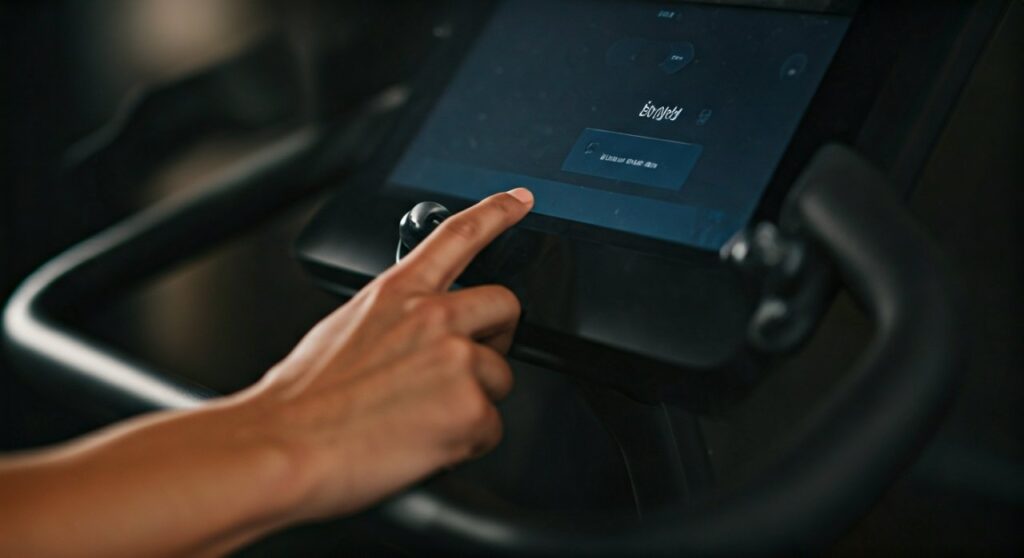
Access the Peloton Bluetooth Menu
On your Peloton Bike, Bike+, or Tread tablet:
- Tap the Status Bar at the top right of the screen (near the time).
- Select Bluetooth from the dropdown menu.
- Alternatively, tap Settings in the bottom right, then choose Bluetooth Settings.
Sync and Confirm
Toggle the Bluetooth switch to ON. Your Peloton will scan for nearby devices.
- Find your headphone name under Available Devices.
- Tap the name to connect.
- The status will change to Connected once successful.
Connecting Wired Headphones to Your Peloton
If you want to avoid battery issues or audio lag, the wired route is foolproof. However, the location of the jack varies depending on your specific hardware.
For the Standard Peloton Bike
The 3.5mm headphone jack is located on the right side of the handlebar console. Simply plug your cord in, and the audio will automatically reroute from the speakers to your ears.
For the Peloton Bike+ and Tread
On newer models, the jack is located on the front of the handlebars, specifically on the assembly between the two grips. This is much more convenient as it prevents the wire from draping over the screen.
Expert Tip: If you use wired headphones, I recommend using a 3.5mm extension cable. This prevents the cord from being yanked out during standing climbs or heavy sprints.
Troubleshooting Common Connection Issues
Even with the best tech, glitches happen. If you are struggling with how to connect headphones to peloton, try these expert-verified fixes.
My Headphones Aren’t Appearing in the List
This is the most common complaint. Usually, it is because the headphones are still connected to your iPhone or MacBook.
- The Fix: Turn off Bluetooth on your phone temporarily. This “releases” the headphones so the Peloton can find them.
- Clear the Cache: Go to Settings > Apps > Bluetooth and clear the cache to refresh the search list.
Audio is Laggy or Out of Sync
Bluetooth latency can be frustrating when trying to follow a beat-based ride.
- The Fix: Ensure your headphones support Bluetooth 5.0 or higher.
- Hard Reset: Hold the power button on your Peloton tablet for 10 seconds to perform a hard reboot. This often recalibrates the audio driver.
The Volume is Too Quiet
Sometimes the master volume on the Peloton doesn’t sync perfectly with the headphone’s internal volume.
- The Fix: Use the physical volume buttons on the right side of the Peloton screen to max out the software volume, then adjust the volume on the headphones themselves.
Top Recommended Headphones for Peloton Workouts
Based on stability, sweat resistance, and sound quality, these are the best performers for the platform:
- Apple AirPods Pro: Excellent integration, though they occasionally require a manual “forget device” to reconnect.
- Powerbeats Pro: These are my top choice. The over-ear hooks ensure they stay put during Tabata or HIIT classes.
- Jabra Elite Active Series: Known for a very stable Bluetooth connection with the Peloton Android OS.
- AfterShokz (Shokz) Bone Conduction: Best if you need to hear your surroundings (like a crying baby or a doorbell) while riding.
Pro Tips for the Ultimate Peloton Audio Experience
Using the Apple Watch as a Bridge
If you have an Apple Watch, you can sync it to the Bike+ via Apple GymKit. This not only tracks your heart rate but can also help manage audio if you are using AirPods connected to your watch.
Cleaning Your Gear
Sweat is the enemy of electronics. After every ride:
- Wipe down your headphones with a non-abrasive, alcohol-free wipe.
- Ensure the 3.5mm port on the bike stays dry. If sweat gets inside, it can cause “ghosting,” where the bike thinks headphones are plugged in even when they aren’t.
Managing Multiple Users
If you share your bike with a family member, the Peloton can save multiple Bluetooth profiles. However, it will usually auto-connect to the last device used. If your partner’s headphones are nearby, the bike might hijack their audio. Always check the Bluetooth menu before you start a class.
Frequently Asked Questions (FAQs)
Can I connect AirPods to a Peloton?
Yes, Apple AirPods connect easily via Bluetooth. You must hold the setup button on the AirPods case until the light flashes white to enter pairing mode before selecting them on the Peloton screen.
Why won’t my Peloton find my Bluetooth headphones?
The most likely reason is that your headphones are currently connected to another device, like your phone. Disable Bluetooth on nearby devices and put your headphones back into pairing mode to make them discoverable.
Does the Peloton Bike have a headphone jack?
Yes, all Peloton models have a 3.5mm headphone jack. On the standard Bike, it is on the console; on the Bike+ and Tread, it is located on the handlebar assembly.
Can I use Bluetooth speakers instead of headphones?
Absolutely. The process is the same as connecting headphones. Put the speaker in pairing mode and select it from the Bluetooth Settings menu on your Peloton tablet.