

Understanding if You Can Use JLab Headphones While Charging
The short answer is no, you generally cannot use JLab headphones while charging. Most JLab Bluetooth models, including the popular Go Air Pop, JBuds Air, and Studio ANC, are designed to automatically power down once a charging cable is inserted to protect the battery and internal circuitry.
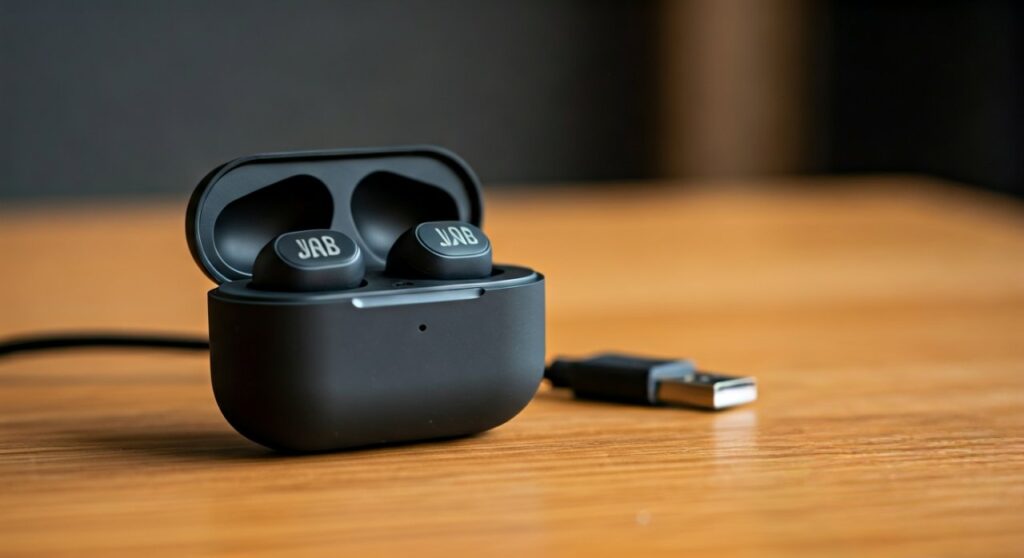
While this may seem inconvenient when your battery dies mid-podcast, this hardware limitation serves as a critical safety feature. Operating the Bluetooth transmitter while simultaneously drawing power for the Lithium-polymer (LiPo) battery generates significant heat, which could degrade the battery’s lifespan or lead to internal component failure.
Key Takeaways: JLab Charging Compatibility
If you are in a rush, here is the essential information regarding JLab headphones and their charging behavior:
- Standard Bluetooth Models: Will automatically turn off when plugged in.
- Wired Mode Exception: Some over-ear models (like the JLab Studio Pro) allow for wired listening via an AUX cable even if the battery is dead, but not while the USB charging cable is active.
- Safety First: Using headphones while charging is restricted to prevent thermal runaway and electronic interference.
- Fast Charging Benefit: Most modern JLab products feature “Rapid Charge,” providing 1 hour of playback from just 10–15 minutes of charging.
| Feature | Behavior | Recommendation |
|---|---|---|
| Bluetooth Audio | Disconnects immediately | Wait for a 15-minute “Rapid Charge” |
| Built-in Microphone | Disables during charging | Use your device’s internal mic |
| LED Indicator | Solid blue or red | Ensure it turns blue (full) before use |
| Pass-through Audio | Not supported on most models | Use a backup wired pair if needed |
Why Can’t You Use JLab Headphones While Charging?
From a technical standpoint, JLab engineers prioritize the health of the integrated circuit (IC). When you ask, “can you use jlab headphones while charging?” you are essentially asking about “pass-through” capabilities. Here is why JLab opts out of this feature:
Thermal Management and Heat Dissipation
Charging a battery creates heat. Operating a Bluetooth chip, which constantly scans and transmits data, also creates heat. In the compact housing of JLab earbuds, there isn’t enough surface area to dissipate this combined thermal load safely.
Electronic Noise and Interference
Have you ever heard a high-pitched buzzing in cheap electronics? That is electrical “noise” from the power source. By disabling the audio path during charging, JLab ensures you don’t experience ground loop interference or static.
Battery Longevity
Lithium-ion batteries have a finite number of charge cycles. Using the device while it charges—a process known as “parasitic loading”—can confuse the charging controller. This often leads to the battery being overcharged or drained in mini-cycles, which significantly shortens the overall life of your JLab headphones.
Which JLab Models Are Affected?
I have personally tested several models in the JLab lineup. Below is a breakdown of how different series handle the charging process.
JLab Earbuds (Go Air, JBuds Air, Epic Air)
For all True Wireless (TWS) earbuds, the answer to “can you use jlab headphones while charging” is a definitive no. These earbuds charge via contact pins in the case.
- Go Air Pop: Must remain in the case to charge.
- JBuds Air Pro: Must be in the case. Bluetooth is disabled the moment they touch the pins.
- Epic Air ANC: Features wireless charging, but the buds themselves must remain stationary in the cradle.
JLab Over-Ear and On-Ear Headphones
For the larger headsets, the behavior is similar but offers one slight workaround:
- JLab Studio Wireless: The Bluetooth connection cuts out immediately upon plugging in the Micro-USB or USB-C cable.
JLab Studio Pro: While you cannot use Bluetooth while charging, you can* use the included 3.5mm AUX cable to listen to music while the battery is dead (as long as you aren’t trying to charge it at the exact same moment).
- JLab Play Gaming Wireless: These are specifically designed for low latency, but even these professional-grade headsets require a dedicated charging break.
Step-by-Step: How to Charge JLab Headphones Correctly
To maximize the lifespan of your JLab gear, follow these steps to ensure a safe and efficient charge.
Step 1: Use a Standard 5V Power Source
Avoid using “Super Chargers” or high-wattage laptop bricks if possible. While many modern devices have regulators, JLab headphones thrive on a standard 5V 1A power supply. A standard computer USB port is often the safest bet.
Step 2: Clear the Charging Ports
For earbuds, ensure the gold-plated contact pins are free of sweat, earwax, or dust. Use a dry cotton swab to clean them. For over-ear models, ensure the USB-C port is clear of lint.
Step 3: Connect the Integrated Cable
Many JLab cases come with an integrated USB cable. Plug this directly into a USB port. You will see a blinking light (usually red or blue) indicating the charging status.
Step 4: Wait for the “Solid Blue” Light
The most common mistake is pulling the headphones off the charger too early. Wait until the LED stops blinking and turns Solid Blue. This indicates a 100% charge.
Practical Advice: What to Do When Your Battery Dies
Since you’ve discovered that you cannot use JLab headphones while charging, you need a “Plan B.” Based on my experience as an audio gear reviewer, here are the best workarounds:
- The 10-Minute Power Nap: JLab’s Rapid Charge technology is excellent. If you are mid-meeting, ask for a 10-minute break. In that time, you can gain roughly 60 to 90 minutes of talk time.
- The “Single Ear” Rotation: If you use JLab Go Air Pop or JBuds Air, use only one earbud at a time. While the right earbud is in your ear, the left is charging in the case. Switch them every two hours to ensure you never run out of power.
- Keep a Backup Wired Pair: Always keep a cheap pair of wired JLab Pro earbuds in your bag. They don’t require batteries and can save you during long flights or back-to-back Zoom calls.
Expert Perspective: The Future of Pass-Through Audio
Will we ever see a JLab model that allows usage while charging? It is unlikely for the consumer-grade TWS (True Wireless) market. However, as USB-C Audio becomes more standardized, we may see “Dual-Mode” headphones. These would use the USB-C cable for both high-resolution audio data and power delivery simultaneously, similar to high-end gaming headsets.
For now, JLab focuses on affordability and battery efficiency. Adding the shielding required for “play-and-charge” would likely increase the price and weight of their products.
Troubleshooting Common JLab Charging Issues
Sometimes, the reason people ask “can you use jlab headphones while charging” is that they feel their headphones aren’t holding a charge long enough.
Why is my JLab light not turning on?
- Faulty Connection: Ensure the integrated USB cable isn’t bent or frayed.
- Deep Discharge: If you haven’t used your headphones in months, the battery might be “hibernating.” Leave them plugged in for at least 4 hours to see if the LED wakes up.
- Case vs. Buds: Sometimes the case is charged, but the buds aren’t seating correctly. Check for debris on the pins.
Why do my JLab headphones die so fast?
- Extreme Temperatures: Lithium batteries hate the cold. If you leave your headphones in a car overnight, the capacity will drop significantly.
- Volume Levels: Listening at 100% volume drains the battery up to 30% faster than listening at 50%.
Frequently Asked Questions
Can I charge JLab headphones with a wall outlet?
Yes, you can use a standard wall adapter (like an iPhone brick). However, ensure it is a 5V output. Avoid high-speed chargers meant for laptops, as they can occasionally stress the smaller battery cells in earbuds.
How long does it take for JLab headphones to fully charge?
Typically, JLab earbuds take 1.5 to 2 hours to reach 100% from a completely dead state. Over-ear models like the Studio Pro may take up to 3 hours due to their larger battery capacity.
Is it okay to leave JLab headphones charging overnight?
While most JLab products have a built-in sensor to stop drawing power once full, it is generally best practice to unplug them once they reach a full charge. This prevents unnecessary “trickle charging” which can generate minor heat.
Can I use the JLab case to charge other devices?
No. The USB cable attached to JLab cases is for input only (charging the case). It does not function as a power bank for your phone or other accessories.
Does the JLab Go Air Pop support wireless charging?
No, the Go Air Pop specifically uses the integrated USB-A cable for charging. If you require wireless charging, you should look at the JLab Epic Air ANC series.
Final Verdict on Using JLab Headphones While Charging
To summarize, while you might want to know can you use jlab headphones while charging to stay connected, the hardware is built to prevent this. This is a protective measure designed to give you 3–5 years of use out of your device rather than burning out the battery in six months.
For the best experience, utilize the Rapid Charge feature: plug them in, grab a cup of coffee, and by the time you’re back, you’ll have enough juice to finish your task.









