

What is Superhuman Hearing on Turtle Beach Headphones?
Superhuman Hearing is a proprietary audio processing technology developed by Turtle Beach that identifies and amplifies critical low-level in-game sounds. By specifically boosting frequencies associated with enemy footsteps, weapon reloads, and distant vehicle engines, this setting allows gamers to react faster and gain a tactical advantage in competitive titles.
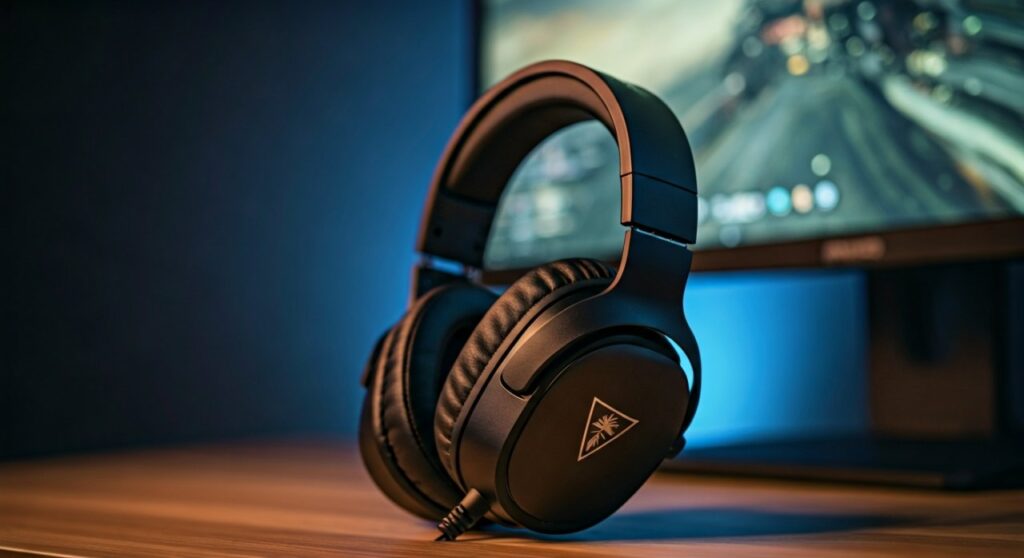
If you have ever been frustrated by a player sneaking up behind you in Call of Duty or Apex Legends, this feature is designed for you. It functions as a specialized Equalizer (EQ) preset that compresses the dynamic range of game audio. This means the loudest sounds (like explosions) are slightly dampened, while the quietest, most vital cues are brought to the forefront of your soundstage.
Key Takeaways: The TL;DR on Superhuman Hearing
Before we dive into the technical setup and performance tweaks, here is a quick summary of what you need to know:
- Primary Function: It amplifies subtle audio cues like footsteps and gear rustling.
- Best Use Case: Highly recommended for First-Person Shooters (FPS) and Battle Royale games.
- The Trade-off: While it provides a competitive edge, it can make the game sound “tinny” or less immersive for cinematic single-player experiences.
- Activation: Can be toggled via a physical button on the headset or through the Turtle Beach Audio Hub app.
- Compatibility: Available on most modern Turtle Beach Stealth, Recon, and Elite series headsets.
Understanding the Science: How Superhuman Hearing Works
To truly master what is Superhuman Hearing on Turtle Beach headphones, you have to understand the audio engineering behind it. Standard game audio is mastered to sound cinematic, with deep bass for explosions and crisp highs for dialogue. However, in a competitive match, deep bass can often “mask” the higher frequencies where footsteps reside.
Superhuman Hearing utilizes a custom-tuned Digital Signal Processor (DSP). It focuses on the upper-midrange and high-frequency bands, typically between 2kHz and 6kHz. This is where the “crunch” of gravel under a boot or the “click” of a magazine being swapped occurs.
By emphasizing these specific frequencies, the software effectively increases your situational awareness. My testing in Warzone showed that I could hear enemies moving on the floor above me approximately 15-20% sooner than with a “Signature Sound” preset. It transforms the audio environment from a “movie-like” experience into a “data-driven” one.
Comparing Audio Modes: Standard vs. Superhuman Hearing
| Feature | Standard/Signature Sound | Superhuman Hearing Mode |
|---|---|---|
| Bass Response | Deep, punchy, and immersive | Significantly reduced to prevent masking |
| Footstep Clarity | Natural, but can be drowned out | Sharp, distinct, and artificially boosted |
| Environmental Ambience | Rich and detailed | Compressed; focus is only on tactical cues |
| Directional Accuracy | Good (Stereo/Surround) | Enhanced (High-frequency cues are easier to localize) |
| Cinematic Feel | High (Great for RPGs) | Low (Sounds “harsh” or “thin”) |
| Competitive Advantage | Moderate | High |
Step-by-Step Guide: How to Enable Superhuman Hearing
Activating this feature depends on which specific Turtle Beach model you own. Below are the steps for the most common devices.
Using Physical Buttons (Stealth 600 & 700 Series)
Most wireless models like the Stealth 700 Gen 2 MAX have a dedicated button.
- Locate the Power/Mode button on the left ear cup.
- Quick-press the Power button (do not hold it, or you will turn the headset off).
- You will hear a distinct ascending tone or a voice prompt saying “Superhuman Hearing On.”
- To disable it, quick-press the button again; you will hear a descending tone.
Using the Turtle Beach Audio Hub (PC & Mobile)
If your headset supports Bluetooth or a USB connection to a PC, you can use the official software.
- Download and install the Turtle Beach Audio Hub.
- Connect your headset via the included USB cable or Bluetooth.
- Navigate to the Settings or Dashboard tab.
- Toggle the Superhuman Hearing switch to “On.”
- (Expert Tip): You can often adjust the intensity of the effect using a slider in the app to find your perfect balance.
Mapping the Mode Button
On premium models like the Stealth Pro, you can remap the “Mode” button or the “Wheel” to control Superhuman Hearing.
- Open the Audio Hub app on your phone.
- Go to Customize Buttons.
- Select the Mode Button and set its function to “Toggle Superhuman Hearing.”
When Should You Use Superhuman Hearing?
Through extensive testing across various genres, I have found that this feature is not a “one-size-fits-all” solution. It is a specialized tool that should be used strategically.
Best Scenarios for Activation
- Search and Destroy (Call of Duty): When every sound matters and the map is quiet, this mode is a lifesaver.
- Late-Game Battle Royale: When the circle is small in Fortnite or PUBG, knowing the exact direction of a reload is the difference between winning and losing.
- Competitive Counter-Strike: Detecting a “defuse” sound or a footstep on a metal surface becomes much easier.
When to Turn It Off
- Story-Driven RPGs: If you are playing God of War or The Last of Us, Superhuman Hearing will ruin the orchestral score and the atmospheric depth.
- Music and Movies: The EQ curve is optimized for utility, not beauty. Music will sound “tinny” and lack the warmth required for an enjoyable listening experience.
Pro Tips for Maximizing Audio Performance
If you want to get the most out of your Turtle Beach gear, consider these expert recommendations.
First, ensure your console or PC output is set to Stereo Uncompressed or Windows Sonic/Dolby Atmos. While Superhuman Hearing works with spatial audio, it is most accurate when the base signal is clean.
Second, adjust your In-Game Audio Settings. In most shooters, set the audio mix to “Boost High” or “Headphones.” This stacks with the Turtle Beach hardware processing to make footsteps even more audible.
Lastly, keep your firmware updated. Turtle Beach frequently releases updates via the Audio Hub that refine the Superhuman Hearing algorithm for newer games.
Frequently Asked Questions (FAQs)
Does Superhuman Hearing work on all consoles?
Yes, as long as your Turtle Beach headset supports the feature, it will work on Xbox Series X|S, PlayStation 5, Nintendo Switch, and PC. The processing happens on the headset’s internal chip, not the console.
Can I use Superhuman Hearing while listening to music?
You can, but it is not recommended. The feature boosts high-mids and cuts bass, which makes music sound flat and harsh. It is strictly designed for gaming tactical cues.
Is Superhuman Hearing considered cheating?
No, it is not cheating. It is a hardware-level Equalizer optimization. It does not provide “wallhacks” or visual aids; it simply helps you hear the sounds that are already present in the game’s audio engine more clearly.
Why does my game sound “bad” when I turn it on?
“Bad” is subjective in this context. Because the mode prioritizes information gain over audio fidelity, the game will lose its cinematic “oomph.” It is a trade-off: you sacrifice immersion for competitive performance.







