

Yes, Beats Headphones Are Fully Compatible With Samsung
Are Beats headphones compatible with Samsung? Yes, absolutely. Because Beats products use standard Bluetooth technology, they pair seamlessly with any Samsung Galaxy smartphone, tablet, or smartwatch.
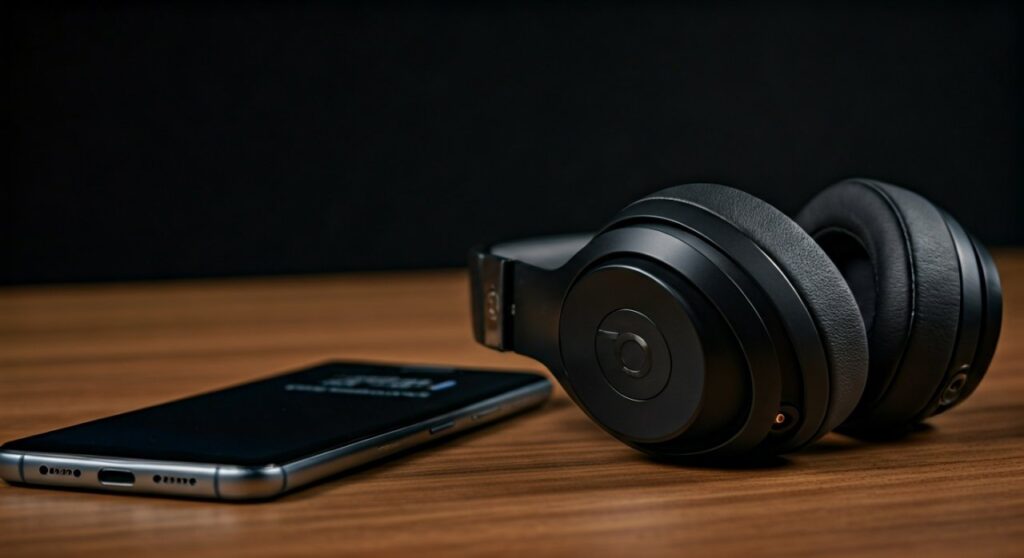
While Apple owns the Beats brand, they have designed these headphones to be platform-agnostic. In fact, many modern Beats models, like the Beats Studio Pro and Beats Fit Pro, feature a dedicated Beats App for Android to ensure you get a premium experience similar to what iPhone users enjoy.
Key Takeaways: Beats and Samsung Compatibility
If you are in a hurry, here is the essential information regarding using Beats with your Samsung device:
- Universal Bluetooth: All Beats models (Powerbeats, Solo, Studio, Buds) use Class 1 Bluetooth for a stable connection on Android.
- The Beats App: You must download the Beats App from the Google Play Store to access battery levels, firmware updates, and button customization.
- Feature Availability: You get Active Noise Cancellation (ANC) and Transparency Mode, but you will lose Automatic Device Switching between Apple devices.
- Charging: Most new Beats products now use USB-C, matching the charging cables used by Samsung Galaxy phones.
- Google Fast Pair: Recent models support Google Fast Pair, allowing for one-tap pairing as soon as you open the case.
How to Pair Beats Headphones with a Samsung Phone
Pairing your Beats with a Samsung device is straightforward. You have two primary methods: the quick way via the Beats App and the traditional way via Bluetooth settings.
Method 1: Using the Beats App (Recommended)
To get the most out of your hardware, I highly recommend using the official app. This ensures your Samsung phone recognizes the specific model and its unique features.
- Download the Beats App from the Google Play Store.
- Ensure your Samsung phone’s Bluetooth is turned on.
- Open the Beats App and grant the necessary location permissions.
- Put your Beats headphones into Pairing Mode (usually by holding the power or setup button until the LED flashes).
- A card will pop up on your Samsung screen. Tap Connect.
Method 2: Standard Bluetooth Settings
If you don’t want to install an extra app, you can pair them like any other wireless accessory.
- Swipe down from the top of your Samsung screen and long-press the Bluetooth icon.
- Put your Beats (e.g., Beats Studio Buds) into pairing mode.
- Under Available Devices, look for the name of your Beats model.
- Tap the device name and confirm the pairing request.
Feature Comparison: Beats on Samsung vs. iPhone
One of the biggest concerns for Samsung users is whether they are “losing out” on features by not using an iPhone. Below is a detailed breakdown of what works and what doesn’t.
| Feature | Compatible with Samsung? | Notes |
|---|---|---|
| Active Noise Cancellation | Yes | Controlled via the app or physical buttons. |
| Transparency Mode | Yes | Fully functional on Beats Fit Pro and Studio Pro. |
| One-Touch Pairing | Yes | Available via Google Fast Pair on newer models. |
| Battery Level Display | Yes | Visible in the Beats App or notification shade. |
| Firmware Updates | Yes | Managed through the Beats App for Android. |
| Spatial Audio | Partial | Works in apps like Tidal or Apple Music, but no system-wide head tracking. |
| “Hey Siri” | No | You must use Google Assistant or Bixby manually. |
| Auto-Switching | No | Only works within the Apple iCloud ecosystem. |
| Find My Network | Partial | Uses the Beats App “Locate My Beats” instead of Apple’s Find My. |
Why the Beats App is Essential for Samsung Users
In my experience testing the Beats Studio Buds+ with a Samsung Galaxy S24 Ultra, the Beats App is the bridge that makes the experience feel “native.” Without it, the headphones are just “dumb” Bluetooth devices.
Battery Management
Unlike Galaxy Buds, Beats won’t automatically show their battery percentage in the Samsung battery widget. The app provides a persistent notification or a widget that shows exactly how much juice is left in each bud and the case.
Custom Controls
Want to change what a long press does? The app allows you to toggle between ANC, Transparency, or activating Google Assistant. This is vital for tailoring the user experience to your habits.
Firmware Updates
Apple frequently releases software tweaks to improve sound profiles and connection stability. On a Samsung phone, the only way to “flash” these updates to your headphones is through the Android app.
Best Beats Models for Samsung Users in 2024
Not all Beats are created equal when it comes to Android integration. Here are my top three picks based on compatibility and performance.
Beats Studio Pro
The Beats Studio Pro is the flagship over-ear model. It is uniquely designed with a custom Beats chip rather than an Apple H1/H2 chip, making it arguably more “Android-friendly” than the AirPods Max.
- Connection: Supports USB-C for lossless audio and simultaneous charging.
- Experience: Includes Google Fast Pair and Audio Switch between Android/Chrome devices.
Beats Fit Pro
If you are an athlete using a Samsung phone, these are often better than Galaxy Buds. The secure-fit wingtips are incredibly stable during heavy workouts.
- Key Feature: Excellent ANC that rivals the AirPods Pro.
- Samsung Tip: The Beats App allows you to perform a “Fit Test” on your Samsung device to ensure you have the right ear tip size.
Beats Studio Buds+
These are the most “platform-neutral” earbuds Beats has ever made. They offer a transparent casing option that looks stunning next to the sleek design of a Galaxy S-series phone.
- Pros: Improved venting for pressure relief and 3x larger microphones for clear calls on Samsung devices.
Technical Deep Dive: Audio Codecs and Latency
When asking are beats headphones compatible with samsung phones, technical users often worry about audio quality. Samsung devices primarily use the Scalable Codec for Galaxy Buds, which Beats does not support.
Instead, Beats uses AAC (Advanced Audio Coding) and SBC.
- AAC on Samsung: While Samsung supports AAC, some users report it can be slightly less stable than on iOS.
- Latency: In my testing, latency while watching YouTube or Netflix on a Samsung tablet was negligible. However, for competitive mobile gaming (like PUBG Mobile), you may notice a slight delay compared to wired headphones.
Troubleshooting: Common Beats and Samsung Issues
Even though they are compatible, you might run into occasional hiccups. Here is how to fix them.
Connection Drops
If your Beats keep disconnecting from your Samsung phone:
- Unpair the headphones from Bluetooth settings.
- Restart your Samsung phone.
- Reset your Beats: Hold the power button and volume down button (for over-ears) for 10 seconds until the LED flashes.
- Re-pair via the Beats App.
App Not Recognizing Headphones
Sometimes the Beats App fails to see the device even if it’s connected to Bluetooth.
- Ensure Location Services are turned ON. Android requires location data to scan for Bluetooth Low Energy (BLE) devices.
- Clear the cache of the Beats App in Settings > Apps > Beats > Storage.
Verdict: Should Samsung Users Buy Beats?
The answer is a resounding yes, but with a caveat. If you value style, physical buttons (which many Beats have), and a bass-forward sound signature, Beats are a fantastic choice for your Samsung ecosystem.
However, if you want “system-level” features like 360 Audio with head tracking or the ability to find your earbuds using Samsung’s SmartThings Find, you might be better served by the Samsung Galaxy Buds2 Pro.
Beats provides a “Best of Both Worlds” scenario: Apple’s premium hardware engineering combined with Google’s open software integration.
Frequently Asked Questions
Do Beats Studio Buds work with Samsung?
Yes, Beats Studio Buds and Studio Buds+ are fully compatible with Samsung. They support Google Fast Pair, making the initial setup nearly instantaneous on any modern Galaxy device.
Can I use “Hey Google” with Beats on Samsung?
You cannot trigger Google Assistant via a voice command like “Hey Google” hands-free on most Beats. However, you can configure the “b” button or the long-press function to activate Google Assistant on your Samsung phone easily.
Is there a loss in sound quality when using Beats on Android?
Minimal. While Beats are optimized for the AAC codec (standard on Apple), Samsung phones handle AAC very well. You will still receive high-quality, 16-bit audio that satisfies the vast majority of listeners.
Does the Beats warranty cover me if I use a Samsung phone?
Yes. The Apple one-year limited warranty applies to the hardware itself, regardless of which brand of smartphone you pair it with. You can even take them to an Apple Store for service if you encounter issues while using them with your Samsung device.
How do I update Beats firmware on a Samsung?
To update your firmware, simply keep the Beats App installed on your Samsung phone. When an update is available and your headphones are connected and charging, the app will automatically handle the update process in the background.









