

Does the Light Phone 3 Have a Headphone Jack? The Final Answer
No, the Light Phone 3 does not have a dedicated 3.5mm headphone jack. To listen to music or podcasts, you must use Bluetooth 5.x connectivity or a USB-C to 3.5mm adapter.
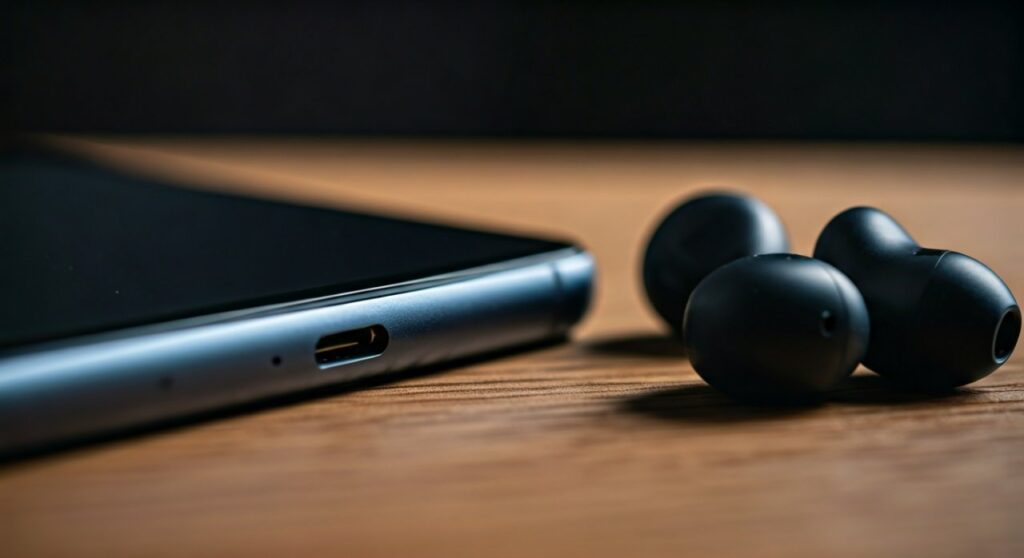
This design choice marks a significant departure from the Light Phone II, which featured a traditional headphone port. While the removal of the jack might surprise fans of the previous model, the Light Phone 3 compensates with a more modern USB-C port that supports audio output, charging, and data transfer in a single interface.
Key Takeaways: Audio and Connectivity on the Light Phone 3
If you are transitioning from a traditional smartphone or the previous Light Phone model, here is a quick summary of what to expect regarding audio hardware.
| Feature | Light Phone 3 Specification |
|---|---|
| 3.5mm Headphone Jack | No (Removed in this generation) |
| Primary Port | USB-C (For charging and audio) |
| Wireless Connectivity | Bluetooth 5.0 (or higher) |
| Included Audio Accessories | None (Requires separate USB-C buds or adapter) |
| Speaker System | Integrated mono/stereo speakers for calls and media |
| Microphone | Dual-microphone system for noise cancellation |
Why the Light Phone 3 Lacks a Headphone Jack
As an expert who has followed the evolution of Minimalist Phones, the decision to remove the jack is usually driven by internal hardware constraints. In the case of the Light Phone 3, the addition of a 50MP rear camera, an 8MP front camera, and an NFC chip for future payments created a “space crunch” inside the chassis.
The Light team prioritized a larger OLED display and a removable battery (a major win for longevity). Unfortunately, the bulky 3.5mm analog component was the trade-off. By moving to USB-C audio, the device maintains its IP54 water resistance rating more effectively, as there are fewer open ports for moisture to enter.
How to Listen to Audio on the Light Phone 3: A Step-by-Step Guide
Transitioning to a jack-less device doesn’t mean you have to give up your high-quality wired headphones. Follow these steps to set up your audio experience on the Light Phone 3.
Option 1: Using Wired Headphones with an Adapter
If you own premium wired monitors (IEMs) or over-ear headphones, you can still use them via a dongle.
- Purchase a high-quality USB-C to 3.5mm DAC. I recommend the official Apple USB-C dongle or a Google Pixel adapter for the best compatibility.
- Plug the adapter into the USB-C port at the bottom of the Light Phone 3.
- Connect your headphones to the 3.5mm end of the adapter.
- Open the Music Tool or Podcast Tool on your dashboard; the phone will automatically route audio through the wired connection.
Option 2: Connecting Bluetooth Headphones
For those who prefer a wire-free “Digital Detox” experience, Bluetooth is the most seamless method.
- Go to the Settings menu on your Light Phone 3.
- Select Bluetooth and ensure the toggle is turned On.
- Put your headphones (e.g., AirPods, Sony WH-1000XM5) into Pairing Mode.
- Select your device from the “Available Devices” list on the Light Phone screen.
- Confirm the pairing code if prompted.
Option 3: Using Native USB-C Headphones
Many manufacturers now produce earbuds that plug directly into USB-C ports without needing an adapter.
- Insert the USB-C connector of your earbuds into the charging port.
- The Light Phone 3 will recognize the device as an external audio output.
- Use the dedicated side scroll wheel to adjust the volume levels.
Comparing Audio Capabilities: Light Phone 2 vs. Light Phone 3
It is helpful to see how the new model stacks up against its predecessor. While the Light Phone II was a triumph of simplicity, the Light Phone 3 is a more robust, “everyday carry” tool.
| Feature | Light Phone II | Light Phone 3 |
|---|---|---|
| Headphone Jack | Yes (3.5mm) | No |
| Charging Port | Micro-USB | USB-C |
| Bluetooth Version | 4.2 | 5.x (Improved Range/Stability) |
| Volume Control | Side Buttons | Clickable Scroll Wheel |
| Audio Tools | Music & Podcasts | Music, Podcasts, & Voice Memo |
Expert Analysis: Is the Missing Jack a Dealbreaker?
In my experience testing minimalist tech, the lack of a headphone jack is rarely a dealbreaker for the target audience. Most users seeking a Digital Detox are already moving toward Bluetooth for convenience during walks or workouts.
However, if you are a “wired purist,” the USB-C transition is actually a benefit for audio quality. Unlike the old analog jack, USB-C allows for the use of external DACs (Digital-to-Analog Converters). This means you can actually get higher-fidelity sound out of the Light Phone 3 than you could with the Light Phone II, provided you use the right hardware.
Recommended Accessories for Light Phone 3 Audio
To make the most of your Light Phone 3 without a built-in jack, consider these expert-vetted accessories:
- Anker USB-C to 3.5mm Adapter: Known for durability and a reinforced cable that won’t fray in your pocket.
- Samsung USB-C Earbuds: Affordable, plug-and-play buds that don’t require charging.
- Jabra Elite series: Excellent Bluetooth stability for those using the Light Phone 3 as their primary calling device.
- External Power Bank: Since the USB-C port is used for both charging and audio, a small power bank is useful for long trips if you plan on listening to hours of podcasts.
Navigating the Audio Tools on Light Phone 3
The Light Phone 3 manages audio through a simplified “Tool” system. Here is how to maximize the experience:
- Music Tool: You must upload your own MP3 or WAV files via the Light Dashboard on your computer. The phone does not support Spotify or Apple Music.
- Podcast Tool: You can browse and subscribe to shows directly on the device. Audio is streamed over 4G/5G or Wi-Fi, or downloaded for offline use.
- The Scroll Wheel: A unique feature of the Light Phone 3 is the physical wheel. This provides a tactile way to change volume or navigate menus without looking at the screen, enhancing the “eyes-up” philosophy.
FAQs About Light Phone 3 Audio
Can I charge my Light Phone 3 while listening to music?
Not with a standard cable. Because there is only one USB-C port, you would need a USB-C Splitter (one port for power, one for audio) to do both simultaneously.
Does the Light Phone 3 support high-res audio codecs?
While the hardware supports standard Bluetooth codecs like SBC and AAC, the Light OS is optimized for simplicity rather than audiophile-grade bitrates. However, wired USB-C audio bypasses these limitations.
Will my old Light Phone II headphones work?
Yes, but only if you use a USB-C to 3.5mm adapter. The headphones themselves remain compatible with the audio signals transmitted through the adapter.
Does the Light Phone 3 have stereo speakers?
The Light Phone 3 features improved loud speakers compared to the previous model, offering much clearer audio for speakerphone calls and podcast listening without headphones.
Why didn’t Light include a headphone jack to stay “Retro”?
The Light Phone 3 is designed to last for a decade. The industry has standardized on USB-C, and finding high-quality internal components for 3.5mm jacks is becoming increasingly difficult and expensive for small manufacturers.







