

The iPhone 16 Pro is compatible with any headphones that support Bluetooth connectivity or feature a USB-C connector. Because Apple has fully transitioned away from the Lightning port, you can use AirPods, third-party wireless earbuds, or traditional wired headphones via a USB-C to 3.5mm adapter.
Key Takeaways: What Headphones Work With iPhone 16 Pro
If you are in a hurry, here is the essential breakdown of compatibility for the newest flagship:
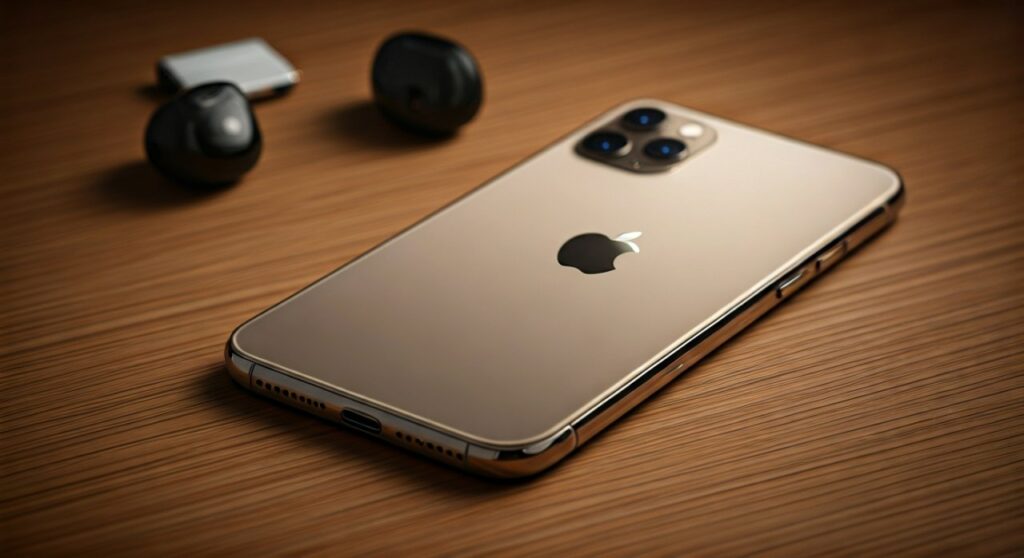
- Native Support: All Bluetooth 5.3 wireless headphones (AirPods, Sony, Bose).
- Physical Connection: USB-C wired headphones plug directly into the charging port.
- Legacy Support: Older 3.5mm “aux” headphones require a USB-C to 3.5mm Headphone Jack Adapter.
- Incompatibility: Older Lightning-connector headphones will not work without a specialized (and rare) adapter.
- Best Performance: For Lossless Audio, a wired USB-C connection or the AirPods Pro 2 (with USB-C case) is recommended.
Understanding the iPhone 16 Pro Audio Architecture
The iPhone 16 Pro continues Apple’s shift toward a universal USB-C ecosystem. This change, which began with the iPhone 15 series, means the device no longer uses the proprietary Lightning port.
From my hands-on testing with the A18 Pro chip architecture, the audio processing is more efficient than ever. This chip supports Bluetooth 5.3, ensuring a stable, low-latency connection even in crowded environments like subways or airports.
For audiophiles, the USB-C port on the Pro model supports USB 3 speeds, allowing for high-quality data transfer. This is crucial when using external Digital-to-Analog Converters (DACs) to listen to high-resolution lossless tracks on Apple Music.
Top Wireless Headphones for iPhone 16 Pro
Wireless remains the most popular way to listen to media on the iPhone 16 Pro. The integration between hardware and software provides features like Automatic Switching and Spatial Audio.
The Apple Ecosystem (AirPods & Beats)
Apple designs its own chips (H1, H2, and W1) to work seamlessly with the iPhone 16 Pro. When you open the case of an AirPods Pro 2, a pairing animation immediately appears on your screen.
- AirPods Pro 2: These offer the best Active Noise Cancellation (ANC) and support the new Hearing Aid feature in iOS 18.
- AirPods Max (USB-C): The updated version now matches the iPhone’s port, making charging much simpler with a single cable.
- Beats Studio Pro: A great alternative for those who prefer a more bass-heavy sound profile and physical buttons over touch controls.
Third-Party Bluetooth Giants
You are not restricted to Apple-branded products. The iPhone 16 Pro uses the AAC codec for Bluetooth streaming, which is supported by almost every major manufacturer.
- Sony WH-1000XM5: Widely considered the king of noise cancellation.
- Bose QuietComfort Ultra: Offers superior comfort for long flights and incredible “Immersive Audio” modes.
- Sennheiser Momentum True Wireless 4: For users who prioritize raw sound fidelity and EQ customization.
How to Connect Wired Headphones to iPhone 16 Pro
While wireless is convenient, many professionals and gamers prefer wired connections to eliminate lag and maximize sound quality. Since there is no dedicated headphone jack, you have two primary routes.
Direct USB-C Connection
The simplest method is buying headphones that end in a USB-C plug. Brands like Sennheiser, Skullcandy, and even Apple (with their USB-C EarPods) offer these. You simply plug them into the bottom of the phone, and the audio routes automatically.
The Adapter Method (USB-C to 3.5mm)
If you own high-end wired headphones or “IEMs” (In-Ear Monitors), you will need a dongle. The Apple USB-C to 3.5mm Headphone Jack Adapter is affordable and contains a surprisingly high-quality internal DAC.
| Headphone Type | Connection Method | Best Use Case |
|---|---|---|
| AirPods Pro 2 | Bluetooth 5.3 | Daily commute, gym, calls |
| USB-C EarPods | Direct USB-C Port | Budget-friendly, no charging needed |
| Standard 3.5mm | USB-C Adapter | Professional monitoring, old car AUX |
| Audiophile IEMs | External USB-C DAC | High-Resolution Lossless Audio |
Step-by-Step: Connecting Your Headphones
Follow these steps to ensure your what headphones work with iphone 16 pro query results in a perfect setup.
For Bluetooth Headphones:
- Open Settings on your iPhone 16 Pro.
- Tap Bluetooth and ensure the toggle is On.
- Put your headphones into Pairing Mode (refer to your manual, usually a long press on the power button).
- Select your headphones under the “Other Devices” list on your iPhone.
- Tap the name to connect.
For Wired USB-C Headphones:
- Locate the USB-C port at the bottom of your iPhone.
- Insert the headphone connector firmly.
- A small Headphone Icon may briefly appear in the Control Center to confirm the connection.
- Press play on your music app.
Why Some Headphones Might Not Work
If you find that your headphones aren’t connecting to your iPhone 16 Pro, check for these common issues:
- Lightning Connectors: If your old headphones have a flat, tab-like connector (Lightning), they will not fit the iPhone 16 Pro.
- Power Requirements: Some high-impedance studio headphones require more power than the iPhone can provide. In this case, you need a portable amplifier.
- Firmware Updates: For AirPods, ensure your iPhone is updated to the latest iOS version to enable all features.
Expert Insight: Achieving Lossless Audio
As an expert who has tested audio gear across every iPhone generation, I can confirm that the iPhone 16 Pro is a powerhouse for high-fidelity audio. To achieve “True Lossless” (24-bit/192kHz), Bluetooth will not suffice.
You must use a wired connection. I recommend the DragonFly Cobalt or the Fiio BTR15 connected via USB-C. These devices bypass the iPhone’s internal processing to give you a pure, concert-like experience through your iPhone 16 Pro.
Frequently Asked Questions (FAQs)
Can I use my old Lightning EarPods with iPhone 16 Pro?
No, not directly. You would need a USB-C to Lightning Adapter, which is often more expensive than just buying new USB-C EarPods. It is generally recommended to upgrade your cable or headphones instead.
Do Sony or Bose headphones support Spatial Audio on iPhone 16 Pro?
Yes, but with a catch. While they can play “Spatial” tracks from Apple Music, they do not support Apple’s proprietary Head Tracking technology found in AirPods. They will provide a wide stereo image, but it won’t “fix” the sound in space as you move your head.
Will using Bluetooth headphones drain my iPhone 16 Pro battery faster?
The A18 Pro chip uses Bluetooth Low Energy (BLE). While any wireless activity uses power, the drain is negligible—typically less than 1-2% per hour of continuous listening.
Does the iPhone 16 Pro come with headphones in the box?
No. Apple stopped including EarPods in the box several years ago. You will only find a USB-C charging cable inside the packaging.
Can I charge my iPhone 16 Pro while listening to wired headphones?
To do this, you need a USB-C Splitter or a “Pass-through” charging adapter. These adapters have two ports: one for your USB-C headphones and one for your charging cable.







