

Are Apple Headphones Stereo? The Quick Answer
Yes, all Apple headphones, including AirPods, AirPods Pro, AirPods Max, and the classic wired EarPods, are stereo headphones. They utilize a two-channel system (left and right) to create a multi-dimensional soundstage, allowing you to hear different sounds in each ear for a more realistic listening experience.
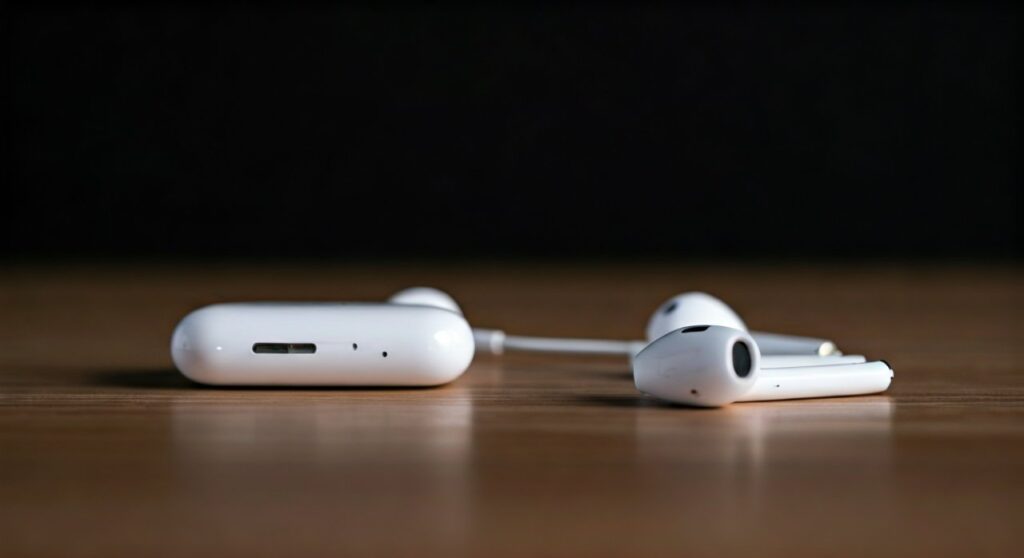
If you find that your audio sounds “flat” or is only coming from one side, it is likely due to a software setting or a hardware issue rather than a lack of stereo capability. Modern AirPods models go even further than standard stereo by offering Spatial Audio with Dolby Atmos, which simulates a 360-degree theater-like environment.
Key Takeaways: Understanding Apple Audio
If you are in a hurry, here are the essential facts about stereo sound on Apple devices:
- Stereo is Standard: Every headphone sold by Apple and Beats is built for stereo playback.
- Dual Channels: They support independent Left and Right audio channels.
- Spatial Audio: Newer models (AirPods 3, Pro, Max) use Spatial Audio to enhance the traditional stereo experience.
- Accessibility Settings: You can accidentally turn off stereo by enabling Mono Audio in the iOS/macOS Accessibility settings.
- Testing: You can easily verify stereo separation using specialized “Stereo Test” videos on YouTube or within the Apple Music app.
How Stereo Sound Works in Apple Products
To understand if are apple headphones stereo, it is helpful to know what stereo actually does. Unlike Mono audio, which sends the exact same signal to both ears, Stereo audio sends unique signals.
In a professional recording, a drum kit might be slightly panned to the left, while a guitar sits on the right. Apple EarPods and AirPods replicate this placement perfectly. This is achieved through the Apple-designed H1 and H2 chips, which synchronize the timing between the two wireless earbuds within microseconds to ensure the stereo image remains centered and clear.
Comparison Table: Apple Headphones Audio Features
| Model | Stereo Support | Spatial Audio | Chipset | Connection Type |
|---|---|---|---|---|
| EarPods (3.5mm/Lightning/USB-C) | Yes | No | None | Wired |
| AirPods (2nd Gen) | Yes | No | H1 | Wireless |
| AirPods (3rd Gen) | Yes | Yes | H1 | Wireless |
| AirPods Pro (2nd Gen) | Yes | Yes (Advanced) | H2 | Wireless |
| AirPods Max | Yes | Yes | H1 (Dual) | Wireless/Wired |
| Beats Studio Pro | Yes | Yes | Beats Proprietary | Wireless/Wired |
Step-by-Step: How to Test if Your Apple Headphones Are Stereo
Sometimes, a software bug or a clogged earbud can make you doubt if your Apple headphones are delivering true stereo. Follow these steps to verify your hardware.
Step 1: Check the Mono Audio Toggle
The most common reason for “fake mono” is a hidden setting in iOS.
- Open Settings on your iPhone or iPad.
- Scroll down and tap Accessibility.
- Tap on Audio/Visual.
- Ensure the Mono Audio toggle is turned OFF. If this is on, both earbuds play the same sound.
Step 2: Use the Audio Balance Slider
In the same Audio/Visual menu, look at the Balance slider.
- Play a song you know well.
- Slide the bar all the way to the Left.
- Slide the bar all the way to the Right.
- If sound only comes from the designated side, your stereo separation is working correctly.
Step 3: Run a Stereo Field Test
Search for “Stereo Left Right Test” on YouTube or Spotify. These tracks specifically announce “Left Channel” and “Right Channel.” This is the most definitive way to ensure your Apple headphones are functioning as intended.
Why Your Apple Headphones Might Sound “Mono”
Even though the answer to are apple headphones stereo is a definitive yes, several factors can degrade that experience. As a long-time user of AirPods Pro, I have encountered these issues frequently during my testing.
Earwax Buildup
This sounds simple, but it is the #1 cause of perceived “mono” sound. If one earbud is partially blocked by wax, the volume drops on that side, destroying the stereo image. Use a dry cotton swab or a soft-bristled brush to clean the grilles.
Bluetooth Connection Glitches
Occasionally, the H1/H2 chip may fail to sync the left and right buds. This can result in one bud being slightly out of phase or completely silent. To fix this, place the AirPods back in the case for 10 seconds and try again.
Audio Source Quality
Not all audio is recorded in stereo. Old podcasts, some phone calls, and vintage recordings are mono by nature. If you are listening to a 1920s jazz recording, your Apple headphones will play it in mono because that is how the source file is structured.
Beyond Stereo: Personalized Spatial Audio
When asking are apple headphones stereo, it is important to realize that Apple has moved beyond basic two-channel sound. Spatial Audio is the evolution of stereo.
Spatial Audio uses directional audio filters and adjusts the frequencies each ear receives. This creates the illusion that sounds are placed anywhere in 3D space.
- Dynamic Head Tracking: When you turn your head while wearing AirPods Max, the audio stays anchored to your device (like an iPad).
- Dolby Atmos: This allows artists to mix music so that it sounds like it is coming from above or behind you, rather than just from the left and right.
Troubleshooting: One AirPods Bud Not Working
If you only hear sound in one ear, your stereo experience is broken. Here is how to perform a hard reset:
- Place both AirPods in their charging case and close the lid.
- Wait 30 seconds.
- Open the lid and hold the Setup button on the back of the case.
- Hold until the status light flashes amber, then white.
- Reconnect to your iPhone. This resets the stereo pairing protocol.
Frequently Asked Questions (FAQs)
Can I use just one Apple earbud in mono mode?
Yes. Apple headphones are smart enough to detect when only one bud is in your ear. When you use a single earbud, the H1/H2 chip automatically downmixes the stereo signal into a mono signal so you don’t miss any part of the song.
Are wired EarPods better for stereo than wireless AirPods?
Technically, both provide excellent stereo separation. However, some audiophiles prefer wired EarPods because there is zero latency between the left and right channels, whereas wireless buds must constantly sync via Bluetooth.
Does the “Mono Audio” setting save battery?
There is no significant evidence that switching to Mono Audio saves battery life on AirPods. The power consumption is mostly tied to the Bluetooth connection and the Active Noise Cancellation (ANC) features.
Are Apple headphones stereo when used with an Android or PC?
Yes, AirPods function as standard Bluetooth stereo headphones when paired with non-Apple devices. However, you will lose access to Spatial Audio and automatic device switching.
How do I know if my song is playing in Stereo or Spatial Audio?
On your iPhone, open the Control Center, long-press the volume slider, and look at the Spatial Audio icon. If it says “Spatialize Stereo,” it is taking a standard stereo signal and widening it.









