

TL;DR: Quick Overview of Your DIY Projector
You can easily learn how to make a homemade projector using a cardboard box, a magnifying glass, and your smartphone. This simple physics hack works by projecting the phone’s screen through the lens to invert and enlarge the image onto a wall.
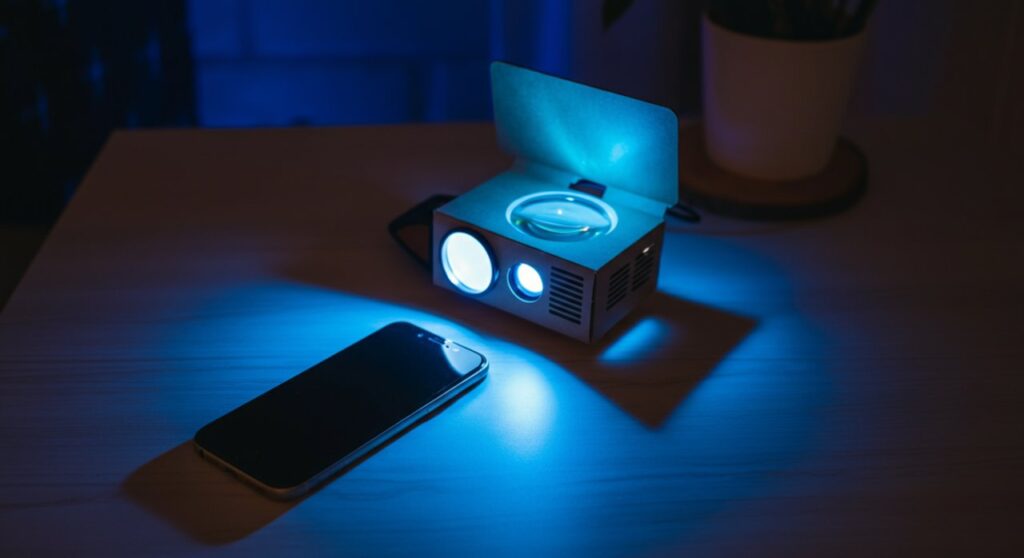
| Component | Function | Tip for Best Results |
|---|---|---|
| Cardboard Box | Light-tight housing | Paint the inside black |
| Magnifying Glass | Focuses the light | Remove the handle |
| Smartphone | Video source | Set brightness to 100% |
| Duct Tape | Secures the lens | Ensure no light leaks |
Understanding the Physics of Your DIY Projector
Learning how to make a projector at home is essentially an experiment in basic optics. By placing a magnifying glass (a convex lens) between your phone screen and a blank wall, the light rays converge and flip the image.
When you figure out how to make a diy projector, you are essentially mimicking how a professional LCD projector works. You create a “camera obscura” effect in reverse to scale up your favorite media.
Essential Tools and Materials
Before starting, gather these common household items. Quality components directly impact the clarity of your homemade projector.
- A sturdy cardboard box (large enough to fit your phone).
- A high-quality magnifying glass (at least 3-5 inches in diameter).
- Black duct tape or electrical tape (crucial for light sealing).
- A sharp hobby knife or box cutter.
- A binder clip or small stand to hold your phone.
- Black matte paint (optional, for the interior).
Step-by-Step Guide: How to Make a Homemade Projector
Follow these precise steps to ensure your project functions correctly. Precision is key when learning how to make a projector that actually produces a clear image.
Preparing the Housing
First, ensure your cardboard box is completely light-tight. If the box has gaps, use black duct tape to seal every corner.
Pro-tip: If you want a sharper image, paint the inside of the box with matte black paint. This reduces light reflection inside the housing, which is a secret trick experts use when learning how to build a projector at home.
Mounting the Lens
Trace the outline of your magnifying glass on one of the shorter ends of the box. Use your hobby knife to carefully cut the circle slightly smaller than the lens.
Tape the lens firmly over the hole from the inside. Ensure there is zero light leakage around the edges of the lens, as this will wash out your projected image.
Positioning Your Smartphone
Your phone screen needs to be positioned upside down inside the box. This is because a convex lens naturally inverts the image.
You can use a binder clip as a makeshift stand. Slide your phone back and forth inside the box to find the focal point—this is the distance where the image on the wall becomes sharpest.
How to Make a Projector Screen for Best Viewing
Knowing how to make a projector screen is just as important as building the device. A bare wall might have texture that ruins the image quality.
- White Sheet: A tight, wrinkle-free white cotton sheet works well.
- Blackout Cloth: For a professional look, buy blackout curtain fabric from a hardware store.
- Flat White Wall: If your wall is smooth, painting it with a matte white finish is the best low-cost option.
Troubleshooting Common Issues
When learning how to make a home projector, you might encounter a few hurdles. Most problems relate to focus and light output.
- Image is blurry: Adjust the distance between your phone and the lens. Move the phone slightly until the image snaps into focus.
- Image is too dark: Increase your smartphone screen brightness to 100%. Ensure your room is completely dark.
- Image is upside down: Simply use your phone’s rotation lock settings to flip the screen orientation before placing it in the box.
Frequently Asked Questions (FAQs)
How can I make a homemade projector without a magnifying glass?
It is very difficult to achieve a clear image without a convex lens. If you do not have a magnifying glass, you can try using a clear plastic bottle filled with water, though the image quality will be significantly lower.
Why is the image on my DIY projector upside down?
This is normal behavior for a single-lens system. You can fix this easily by turning on the portrait/landscape orientation lock on your smartphone and rotating your device 180 degrees.
How bright can I make my DIY projector?
Since you are using a smartphone screen, the brightness is limited by your phone’s backlight. To maximize the experience, always use your homemade projector in a room with complete light control, such as a basement or a room with blackout curtains.
Does the size of the box matter?
Yes, the box depth determines your focal length. A deeper box allows you to place the phone further from the lens, which can result in a larger projection size, but requires a more powerful light source to stay clear.









