

Do Projectors Have Sound? Quick Answers
Most modern projectors do come equipped with built-in speakers, so yes, projectors have sound. However, the audio quality from these internal speakers is often underwhelming, frequently sounding tinny or lacking the depth needed for a true cinematic experience.
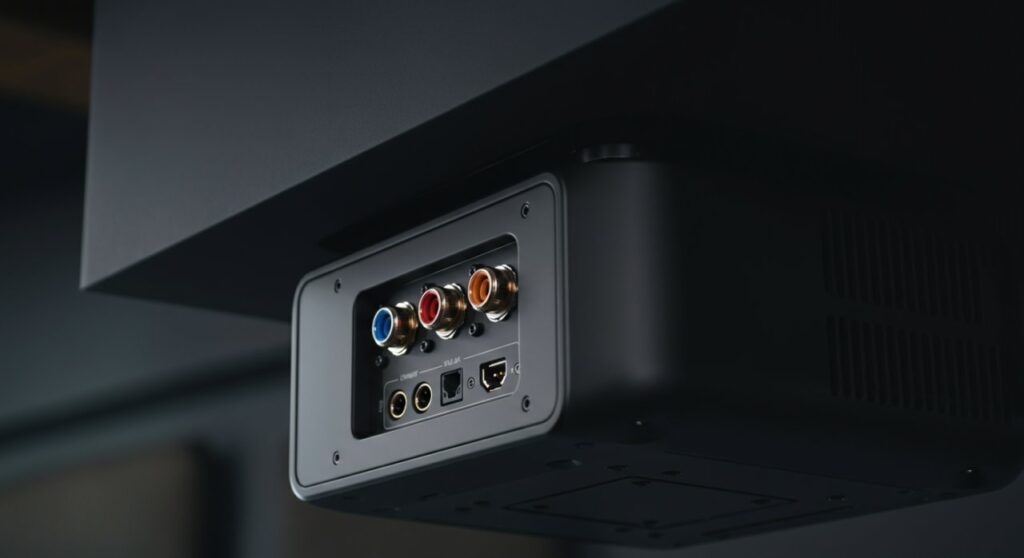
If you are wondering “do projectors have speakers” that will satisfy a movie buff, the answer is usually no. You will likely need to connect an external sound system to achieve the immersive audio quality that matches your large-screen projection.
TL;DR: Quick Audio Solutions
- Built-in Speakers: Convenient for basic presentations but lack bass and volume.
- External Speakers: Essential for home theaters; use HDMI ARC or 3.5mm AUX outputs.
- Bluetooth: Great for wireless setups, but be mindful of potential audio latency.
Why Your Projector’s Built-in Audio Needs Help
When manufacturers ask themselves “do projectors have sound,” they often prioritize portability over acoustic performance. In my experience setting up home theaters, most internal projector speakers are roughly 2W to 5W, which is barely enough to fill a small room.
These small drivers struggle to produce low-end frequencies, resulting in dialogue that sounds “hollow” or “metallic.” If you are hosting an outdoor movie night or a large presentation, the fan noise from the projector can easily drown out the internal audio.
| Feature | Internal Speakers | External Soundbar/System |
|---|---|---|
| Setup Ease | Instant (Plug & Play) | Requires cables/pairing |
| Audio Quality | Low (Tinny, limited volume) | High (Full range, deep bass) |
| Best For | Business slides/Presentations | Movies, Gaming, Sports |
| Cost | Included | Additional investment |
How to Connect External Audio to Your Projector
To stop relying on lackluster internal audio, you must route your sound through an external device. Here is how to achieve professional-grade sound using different connection methods.
HDMI ARC (Audio Return Channel)
If your projector supports HDMI ARC, this is the gold standard. It allows your projector to send audio back to a soundbar or AV Receiver through the same cable used for the video signal.
- Check that both the projector and the soundbar have an HDMI ARC/eARC labeled port.
- Connect them using a High-Speed HDMI cable.
- Enable “ARC” in your projector’s settings menu.
The 3.5mm AUX Jack
Most projectors feature a standard headphone jack (3.5mm). This is the easiest way to connect basic computer speakers or older sound systems.
- Simply plug one end into the projector and the other into your speaker’s input.
Note:* Analog signals can sometimes introduce a slight hum or noise if the cables are low quality.
Bluetooth Connectivity
Many modern projectors now include built-in Bluetooth transmitters. This is perfect for a clean, wire-free setup.
- Navigate to the projector’s wireless settings and select “Bluetooth Audio.”
- Put your Bluetooth speaker or headphones in pairing mode.
Warning:* Some older projectors may have a slight audio lag (lip-sync issues) when using Bluetooth.
Pro Tips for the Best Projector Audio Experience
To truly enhance your experience, consider where the audio is coming from. If your projector is mounted on the ceiling, a Bluetooth speaker placed near the screen will create a much more natural soundstage than a tiny speaker dangling from the ceiling.
Always look for optical audio outputs (Toslink) if you are using an older receiver. This provides a clean, digital signal that avoids the interference issues common with older analog cables.
Frequently Asked Questions
Do all projectors have built-in speakers?
No, not all of them. While most portable and home entertainment projectors have them, many high-end professional projectors intended for auditoriums or permanent installations omit them entirely to save space and reduce heat.
Can I improve the sound without buying new speakers?
If you cannot buy new speakers, try adjusting the Equalizer (EQ) settings in your projector’s sound menu. Increasing the “mid-range” frequencies can sometimes make dialogue clearer, even on small speakers.
How do I fix a lip-sync delay?
Lip-sync delay happens when the audio processing is slower than the video. Check your projector’s settings for an “Audio Delay” or “AV Sync” option to manually offset the sound so it matches the video perfectly.
Can I use a PC or streaming stick to manage audio?
Yes! If you are using a device like a Roku Stick or Fire TV Stick, you can often connect your Bluetooth speakers or sound system directly to that device instead of the projector. This often results in better audio sync and superior sound processing.









