

Understanding What Does 4K Support Mean on a Projector
When you see “4K support” on a projector, it primarily means the device can accept and process a 4K resolution input signal, but it does not necessarily mean it can project that image at a native 4K resolution. Often, these projectors use pixel-shifting technology to simulate higher resolution, allowing you to play high-quality 4K content without the premium cost of native 4K hardware. Understanding this distinction is crucial to managing your expectations regarding sharpness and pixel density.
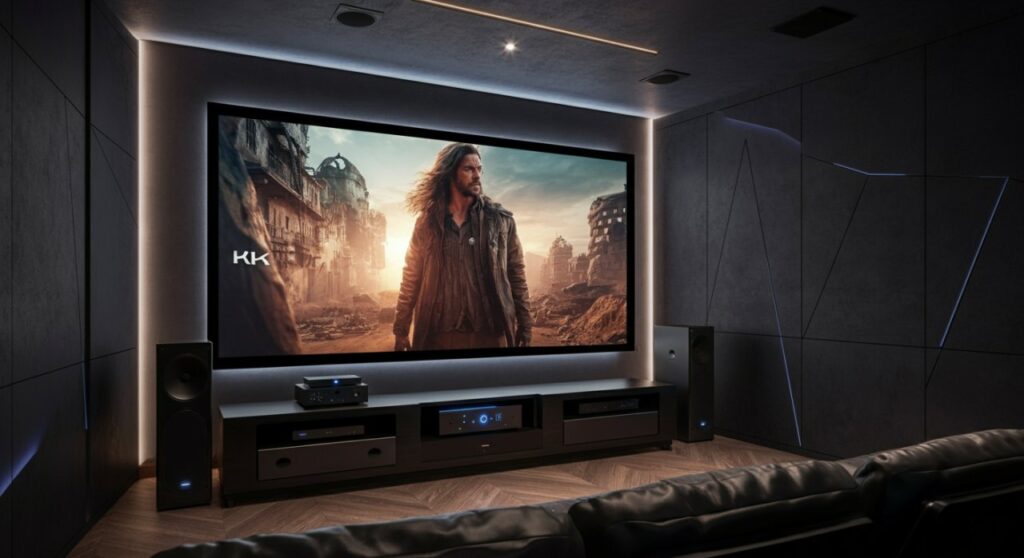
TL;DR: 4K Support vs. Native 4K
- 4K Support (or 4K Enhancement/Pixel-Shifting): The projector accepts a 3840 x 2160 signal and uses technology to simulate more pixels on screen. It is significantly sharper than 1080p but technically not “native” 4K.
- Native 4K: The projector possesses a physical imaging chip (DMD or LCoS) with exactly 8.3 million pixels. This provides the absolute highest level of clarity, color accuracy, and detail.
Why 4K Support Matters for Your Home Theater
Many users assume “4K support” is a marketing gimmick, but in practice, it makes a tangible difference in image quality. From my own experience setting up home theaters, the jump from standard 1080p to a 4K-supported image is drastic, especially on screens larger than 100 inches.
The Benefit of Pixel-Shifting
Most “4K supported” projectors use DLP XPR (Expanded Pixel Resolution) or similar proprietary technology. They flash the chip multiple times faster than the human eye can perceive to create the illusion of 8.3 million pixels.
- Increased Detail: You will notice finer textures in movies and games.
- Reduced Screen Door Effect: The pixel gaps become almost invisible from a standard viewing distance.
- Future-Proofing: You can stream content from services like Netflix, Disney+, or YouTube in 4K without compatibility issues.
Native 4K vs. 4K Supported: A Comparison
If you are debating between these two technologies, the following table highlights the critical differences.
| Feature | 4K Supported (Pixel-Shift) | Native 4K Projector |
|---|---|---|
| Physical Resolution | Usually 1080p or 1440p | 3840 x 2160 |
| Image Sharpness | Excellent (near-4K) | Perfect (reference grade) |
| Price Point | Mid-range ($1,000 – $3,000) | Premium ($5,000+) |
| Ideal Use Case | Living room / Casual gaming | Dedicated dark home cinema |
How to Verify 4K Compatibility
When shopping, don’t just rely on the label “4K.” Dig deeper into the technical specifications provided by the manufacturer.
Check the Imaging Chip Specification
Look for the resolution of the DMD chip. If it states 0.47″ or 0.66″ DLP chip, it is almost certainly a pixel-shifting device. If it explicitly states “Native 4K Resolution,” it uses a larger, more expensive chip.
Verify HDMI Bandwidth
For true 4K content, you need the projector to support HDMI 2.0 or 2.1. This ensures the projector can handle the high data rate required for 4K at 60Hz or higher, which is essential for smooth motion in gaming.
Consider HDR Compatibility
“4K support” is rarely useful without HDR (High Dynamic Range) support. Ensure the projector supports HDR10 or HLG to get the most out of the improved contrast and color gamut that comes with 4K files.
Actionable Tips for the Best 4K Experience
To get the most out of your 4K-supported projector, the environment matters just as much as the hardware.
- Use High-Quality Cables: Ensure you are using Certified Premium HDMI cables capable of 18Gbps or higher. Cheap, long cables often fail to carry the full 4K signal, resulting in a black screen.
- Calibrate Your Settings: Out of the box, many projectors boost sharpness to an unnatural level, creating “halos” around objects. Turn down the Sharpness setting to zero or near-zero to let the native source quality shine.
- Invest in a Good Screen: A 4K image is only as good as the surface it hits. Use an ALR (Ambient Light Rejecting) screen if you aren’t in a completely blacked-out room to maintain contrast.
Frequently Asked Questions (FAQs)
Does 4K support mean I am getting true 4K quality?
No. It means the projector accepts a 4K input, but it uses technology like pixel-shifting to approximate the detail. While it looks much better than 1080p, it lacks the physical pixel density of a native 4K projector.
Can I play PS5 or Xbox Series X games in 4K on a supported projector?
Yes, you can. However, ensure the projector supports the necessary refresh rates (60Hz or 120Hz). Even if it is a pixel-shifted projector, your console will recognize it as a 4K display.
Is “4K support” worth the extra money over a standard 1080p projector?
In my opinion, yes. As content moves almost exclusively to 4K, having a projector that can process that signal prevents your media player from downscaling the image, resulting in a cleaner, more vibrant picture.
Why does my image look blurry despite “4K support”?
Blurriness is often caused by incorrect focus, low-quality input cables, or over-processing in the projector’s menu. Check your focus ring, swap your HDMI cable, and disable “Edge Enhancement” settings.









