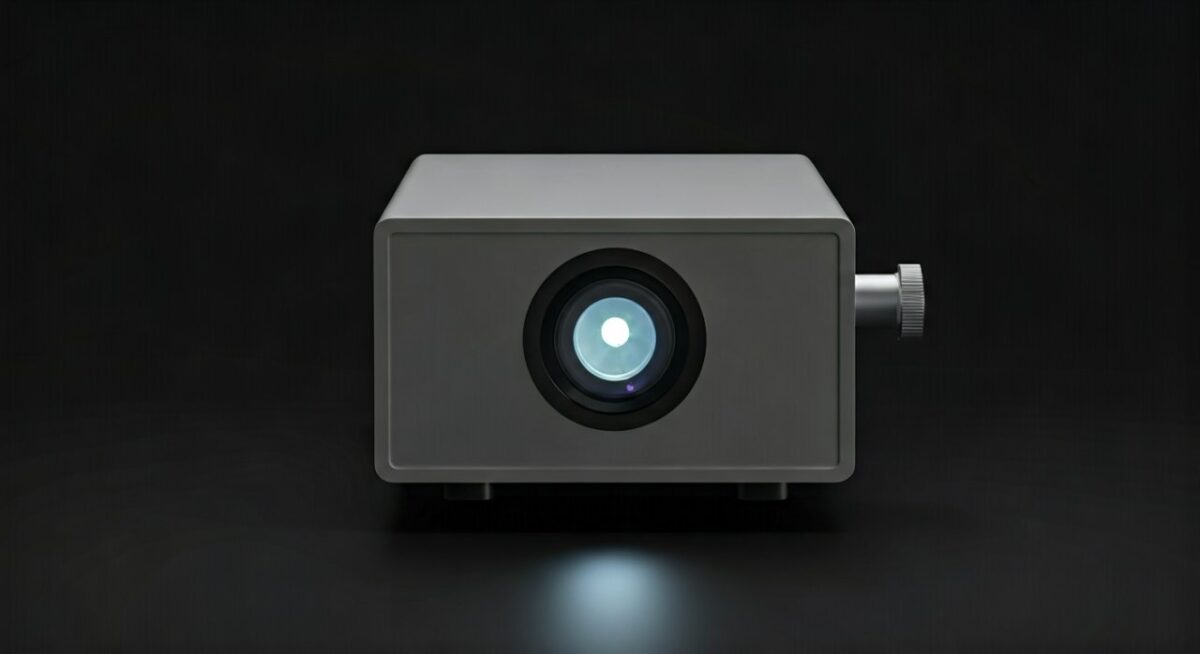
How to Make a Projector Without a Magnifying Glass
You can create a functional DIY projector without a magnifying glass by utilizing a pinhole camera principle or by repurposing a smartphone screen with a Fresnel lens sheet (which is distinct from a standard magnifying glass). While traditional DIY projects often rely on high-power magnification, using a small, light-tight box with a pinhole can project an inverted image onto a wall, offering a fascinating lesson in optics and light physics. This project requires minimal materials and serves as an excellent introduction to how images are formed.
TL;DR: Quick Summary for DIY Projection
- The Pinhole Method: Best for high-contrast images, requires a dark room, zero glass lenses needed.
- The Lens Sheet Method: Uses a Fresnel plastic sheet (often found in screen magnifiers) to brighten and focus the image from a smartphone.
- Key Requirement: The light source (phone) must be significantly brighter than the ambient light in the room for a clear projection.
Understanding the Physics of Image Projection
Learning how to make a projector without a magnifying glass requires moving away from traditional lens-based refraction. Instead, we lean into rectilinear propagation of light.
When light passes through a tiny aperture (the pinhole), the rays cross over, resulting in an inverted image on the opposite side of your chamber. This is fundamentally different from how to make a projector with a magnifying glass, which uses glass to bend light and converge it at a focal point.
Essential Tools and Materials
You do not need specialized lab equipment for this project. Most items are likely already in your home:
- A sturdy cardboard box: A shoe box or a slightly larger cereal box works best.
- Matte black paint or paper: Essential for lining the interior to prevent internal reflections.
- A sharp pin or needle: To create the aperture.
- Aluminum foil: Provides a cleaner edge for your pinhole than cardboard.
- Duct tape or masking tape: To ensure the box is 100% light-tight.
- White poster board: Acts as your projection screen.
Step-by-Step: The Pinhole Projector Approach
Follow these steps to construct a camera obscura-style projector.
- Prep the box: Paint the inside of your box entirely black. This reduces scattered light, which is the enemy of a crisp image.
- Create the aperture: Cut a small square (about 2×2 cm) in the center of one side of the box. Cover this hole with a piece of aluminum foil and secure it with tape.
- Punch the hole: Use your needle to make one very small, precise hole in the center of the foil. This is your “lens.”
- Seal for darkness: Ensure all other corners and seams of the box are taped. No stray light should enter the box except through the pinhole.
- Project: Point the pinhole toward a well-lit object or window. Place your white poster board inside the box or, for a larger setup, position the box so the light hits a distant wall.
Comparison: Pinhole vs. Lens-Based Projectors
| Feature | Pinhole Projector | Magnifying Glass Projector |
|---|---|---|
| Image Clarity | Lower (Soft/Fuzzy) | Higher (If focused) |
| Brightness | Very Low | Moderate |
| Complexity | Extremely Easy | Medium |
| Cost | Almost Zero | Low |
| Optics Principle | Pinhole Aperture | Refraction |
Expert Tips for Better Results
In my experience testing DIY optical devices, the size of your pinhole is the most critical variable. If the hole is too large, the image becomes a blurry blob of light; if it is too small, the image becomes too dim to see.
- Optimal Aperture: Aim for a hole diameter of approximately 0.5mm to 1.0mm.
- Ambient Light: Always work in a room that can be made completely dark. The higher the contrast between your subject and the room, the better the result.
- Steady Surface: Use a tripod or a stack of books to keep your projector box perfectly still while viewing.
Frequently Asked Questions (FAQs)
Can I get a 4K resolution using a DIY pinhole projector?
No, the pinhole method is limited by the physics of diffraction. As the aperture shrinks, the image becomes sharper, but diffraction eventually causes it to blur again; you will never achieve digital-grade high definition.
Why is my projected image upside down?
This is normal behavior for both pinhole projectors and lens-based systems. Light rays traveling from the top of an object pass through the center and hit the bottom of the projection surface, causing an inverted image.
How do I make the image brighter?
Without a lens to gather more light, your only options are to increase the brightness of the source object or reduce the ambient light in the room to nearly zero.
Do I need special software to flip the image?
If you are using a smartphone as your light source, you can use the accessibility settings on your phone to rotate the screen 180 degrees, which effectively “corrects” the inversion for your eyes.
Is learning how to make a projector without a magnifying glass worth it?
It is a fantastic educational project. While it won’t replace your living room TV, it provides an invaluable hands-on understanding of how camera optics and human vision work.