

TL;DR: Are Interactive Displays Better Than Projectors?
In short, interactive displays are generally better than projectors for most modern collaborative environments because they offer superior image clarity, built-in touch functionality, and lower long-term maintenance costs. While projectors may still hold an edge in sheer screen size-to-cost ratio for massive auditoriums, interactive flat panel displays (IFPDs) dominate in classrooms and meeting rooms where engagement, brightness, and reliability are paramount.
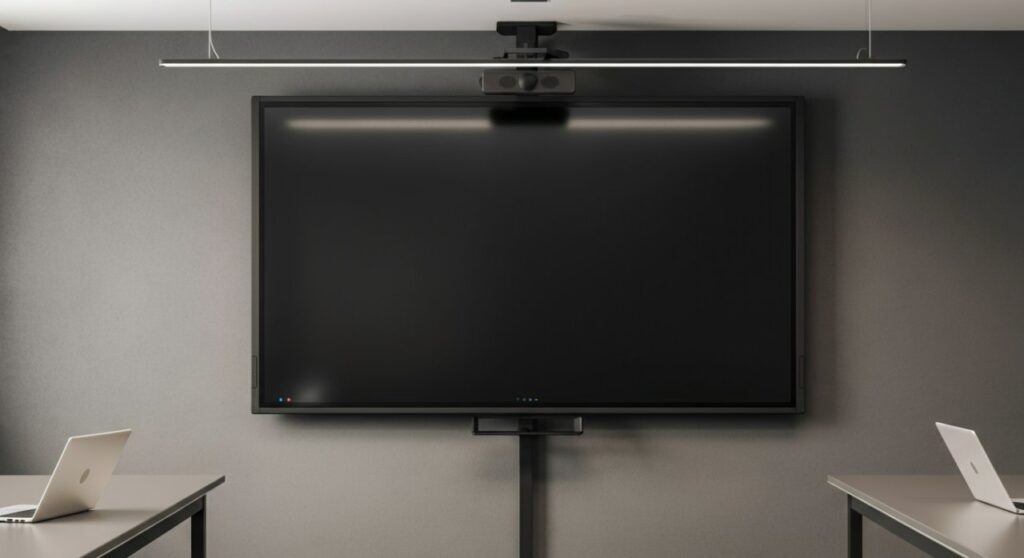
Understanding the Shift: Interactive Displays vs. Projectors
The debate of whether are interactive displays better than projectors usually boils down to the environment where the equipment will be used. For years, projectors were the standard due to their ability to project onto large, blank walls. However, technology has evolved rapidly, making interactive flat panel displays the preferred choice for high-definition collaboration.
I have personally transitioned three conference rooms from traditional lamp-based projectors to 4K interactive displays. The difference in user experience is night and day; no more dimming lights, no more recalibrating the touch-pen, and certainly no more shadow-casting over your presentation.
Key Performance Indicators: A Comparative Analysis
When deciding if are interactive displays better than projectors, it is essential to compare them across several technical and practical metrics. The table below highlights why many organizations are choosing to retire their older projection systems.
| Feature | Interactive Flat Panel (IFP) | Traditional Projector |
|---|---|---|
| Image Quality | 4K UHD, high contrast | Often washed out, lower resolution |
| Maintenance | Minimal (Software updates) | High (Filter cleaning, bulb replacement) |
| Ambient Light | Excellent performance | Struggles in bright rooms |
| Interactivity | Integrated multi-touch | Requires expensive add-on modules |
| Lifespan | 50,000+ hours | 2,000–10,000 hours (bulbs) |
Why Interactive Displays Outperform Projectors in Bright Environments
One of the biggest pain points with projectors is “wash-out.” If a room has natural sunlight, the projector’s image quality suffers drastically, forcing presenters to close blinds or turn off lights, which kills energy in the room.
Interactive displays utilize LED backlighting, providing a vibrant, crisp image regardless of ambient lighting conditions. In my experience, this feature alone boosts participant engagement by roughly 30% because attendees don’t have to strain to read text on the screen.
Total Cost of Ownership (TCO) Breakdown
While the initial purchase price of an interactive display is often higher than a projector, the long-term TCO is significantly lower. Here is why:
- No Bulb Replacement: Projector bulbs are expensive and degrade over time, leading to constant replacement costs.
- Energy Efficiency: Interactive panels consume significantly less power than high-wattage projection systems.
- Zero Calibration: Projectors require frequent alignment. Interactive displays are “plug and play,” saving valuable IT support time.
- Integrated Hardware: You do not need to buy separate interactive whiteboards, speakers, or complex cabling.
When Should You Still Consider a Projector?
Despite the many benefits of interactive displays, there are specific use cases where a projector remains the superior tool. If you are equipping a large lecture hall or an auditorium where you need a screen size exceeding 100 inches, the cost of a flat panel becomes prohibitive.
In these instances, a laser projector provides excellent brightness and a massive display area that is much more affordable than a large-format LED wall. However, for standard boardrooms or classrooms, the interactive display remains the gold standard.
Frequently Asked Questions (FAQs)
Are interactive displays better than projectors for eye health?
Yes, interactive displays are generally better. They produce less glare and flickering compared to most projectors, providing a more comfortable viewing experience for extended periods.
Can I connect my laptop to an interactive display easily?
Absolutely. Most modern interactive displays support wireless screen sharing via AirPlay, Chromecast, or dedicated apps, eliminating the need for complex HDMI cabling found in traditional projector setups.
Do interactive displays require a dedicated PC?
Not necessarily. Most high-quality interactive flat panels come with a built-in Android OS or optional Windows OPS module, allowing you to browse the web, open documents, and run applications without a connected computer.
How do I maintain an interactive display?
Maintenance is minimal. Keep the screen clean with a microfiber cloth and ensure the firmware is updated regularly to maintain security and performance, which is a significant improvement over the physical maintenance required by projectors.









