

Are Projectors Good for Gaming? The Definitive Guide
Yes, projectors are excellent for gaming, provided you choose one specifically engineered with low input lag and high refresh rates. While traditional projectors were once plagued by latency issues, modern gaming projectors now compete directly with high-end monitors and TVs, offering a massive, immersive screen size that creates a cinema-like experience in your living room or dedicated gaming setup.
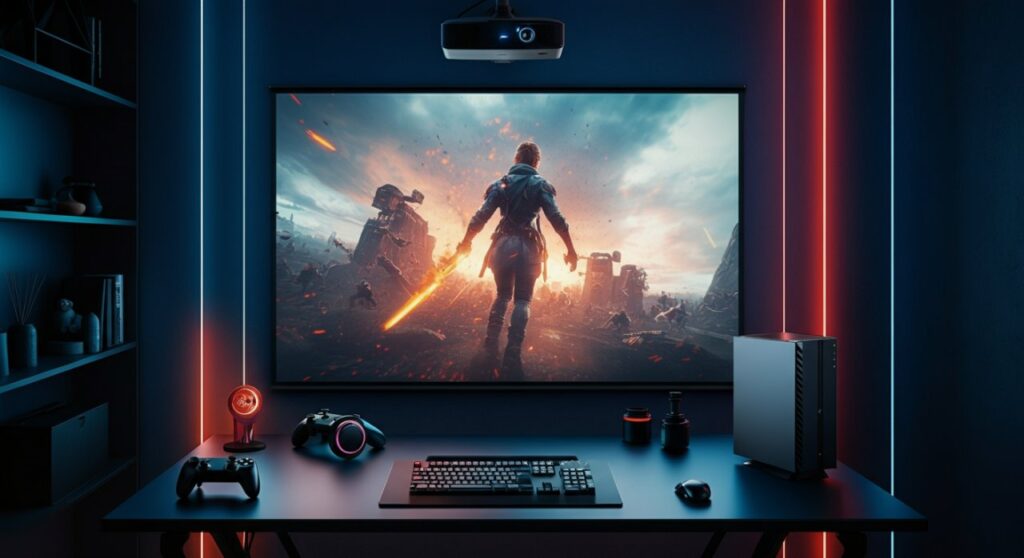
TL;DR: Gaming Projector Quick Takeaways
If you are short on time, here is what you need to know about buying a projector for your console or PC:
- Input Lag: Always look for under 20ms of input lag for competitive gaming; under 40ms is acceptable for casual play.
- Refresh Rate: Aim for at least 60Hz, though 120Hz or higher is ideal for fluid motion in shooters and racing games.
- Resolution: 4K (UHD) provides the best detail for next-gen consoles, while 1080p is sufficient for budget-conscious setups.
- Brightness: Ensure at least 2,000 ANSI Lumens if you plan to play in rooms with some ambient light.
- Setup: Dedicated Gaming Mode is a must-have feature to disable unnecessary image processing that causes lag.
Why Modern Projectors Outperform Older Models for Gamers
In my experience testing displays, the leap in technology for gaming projectors over the last three years has been staggering. We have moved past the era where projection was limited to dark basements and slow, sluggish response times.
Today’s projectors now include specialized hardware designed to minimize latency. Manufacturers like BenQ, Optoma, and Epson have integrated features once reserved for elite gaming monitors, such as variable refresh rates and high-speed processing chips.
Key Factors Determining Gaming Performance
To understand why some projectors excel while others fail, you must analyze these technical specifications:
- Input Lag (Latency): This is the time between your button press and the action appearing on screen. Anything over 50ms will feel sluggish in fast-paced games.
- Resolution and Contrast: High 4K resolution brings out textures, while a high contrast ratio (often achieved through DLP or 3LCD tech) ensures you can see enemies hiding in dark corners.
- Connectivity: Modern units often include HDMI 2.0 or 2.1 ports, supporting high bandwidth for 4K at 60Hz or 120Hz.
Comparing Display Technologies for Gaming
Choosing the right technology depends on your specific gaming environment. The following table highlights the differences between common projector types used by gamers today.
| Feature | DLP Projectors | 3LCD Projectors | Laser Projectors |
|---|---|---|---|
| Input Lag | Generally Lowest | Moderate | Varies |
| Color Accuracy | Excellent | Very Good | Outstanding |
| Brightness | High | High | Very High |
| Best For | Fast-paced gaming | Cinematic experience | All-around, bright rooms |
| Longevity | Good | Moderate | Exceptional |
Step-by-Step: Setting Up Your Gaming Projector
Getting the most out of your setup requires more than just pointing the lens at a wall. Follow these steps to optimize your gaming projector experience.
Optimize Your Environment
The biggest enemy of a gaming projector is ambient light. Even with a high-lumen count, washout occurs if sunlight hits your surface. Use blackout curtains or choose a high-gain ALR (Ambient Light Rejecting) screen to maintain contrast.
Configure Your Projector Settings
Once powered on, navigate to your projector’s menu and locate the Picture Mode. Look specifically for a setting labeled “Gaming Mode” or “Fast Response Mode.” This setting automatically disables features like image smoothing, frame interpolation, and advanced color correction, which are the primary culprits for input lag.
Cables Matter
Ensure you are using HDMI 2.0 or 2.1 cables. Older cables may struggle to carry the bandwidth required for 4K HDR gaming, leading to flickering or capped refresh rates. A high-quality certified Ultra High-Speed cable ensures your console or PC communicates with the projector without data loss.
Frequently Asked Questions
Are projectors good for gaming if I play competitive shooters?
Yes, but only if you buy a model marketed as a “gaming projector” with low input lag (below 16ms). Standard home cinema projectors may have too much latency for high-level competitive play, but dedicated gaming models are excellent.
Do I need a special screen to play games on a projector?
While you can project onto a white wall, a dedicated gaming screen significantly improves image quality, contrast, and brightness. An ALR (Ambient Light Rejecting) screen is highly recommended if you play during the day.
Can I connect my PS5 or Xbox Series X to a projector?
Absolutely. Just ensure your projector supports HDMI 2.0 or 2.1 to take advantage of the features provided by next-gen consoles, such as 4K resolution and higher frame rates.
How long do gaming projector bulbs last?
Traditional bulb-based projectors usually last 3,000 to 5,000 hours in high-performance modes. Modern LED or Laser projectors often last 20,000 hours or more, making them a better long-term investment for frequent gamers.









