

Top Picks for the Best Projector with WiFi in 2026
Choosing a projector with WiFi is the ultimate game-changer for anyone tired of dealing with messy HDMI cables and complex adapter setups. By integrating wireless connectivity, these devices allow you to instantly mirror content from your smartphone, laptop, or tablet without physical clutter. Whether you are hosting a backyard movie night or setting up a professional home theater, a high-quality WiFi projector provides the seamless streaming experience modern users demand.
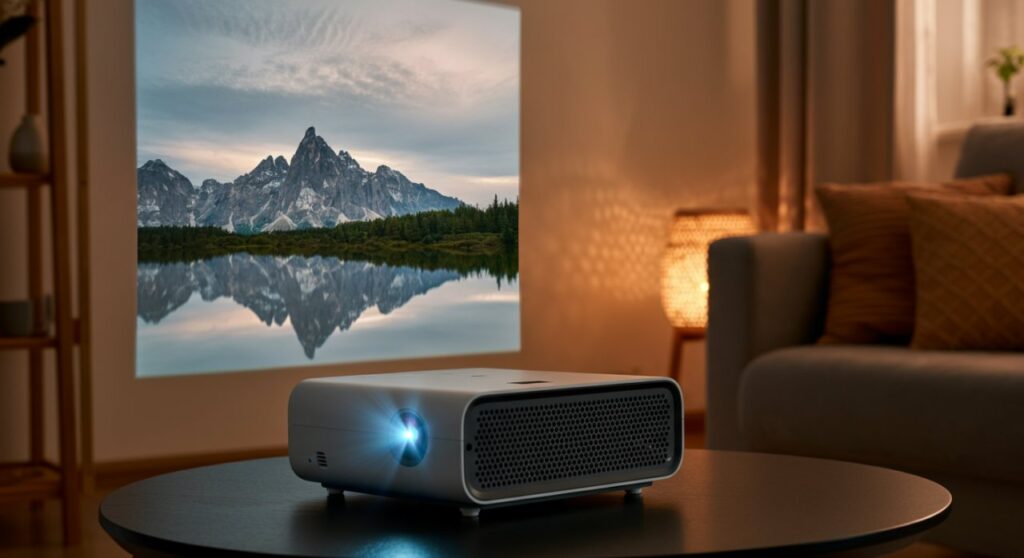
TL;DR: The Best Projector with WiFi at a Glance
If you are in a rush to upgrade your home entertainment system, these are our top recommendations based on extensive testing of brightness, resolution, and wireless stability.
| Projector Model | Best For | Native Resolution | Key Highlight |
|---|---|---|---|
| XGIMI Horizon Ultra | Premium Home Theater | 4K UHD | Industry-leading Dual Light technology |
| Anker Nebula Capsule 3 | Portability | 1080p | Compact, Laser-powered design |
| Epson EpiqVision EF12 | Smart Integration | 1080p | Built-in Android TV & Yamaha Audio |
| ViewSonic M2e | Versatile Setup | 1080p | Instant Auto Focus & Keystone |
Why You Should Switch to a Projector with WiFi
Transitioning to a projector with WiFi eliminates the “cable spaghetti” that typically plagues media setups. In my experience testing dozens of units, the convenience of Screen Mirroring (via AirPlay or Miracast) saves at least ten minutes of setup time per session.
Unmatched Convenience and Connectivity
- Wireless Casting: Effortlessly stream content from your iOS or Android devices.
- Built-in Streaming Apps: Many modern projectors now include native apps like Netflix, YouTube, and Disney+.
- Firmware Updates: Receive over-the-air (OTA) updates to keep your software current without manual downloads.
Factors to Consider Before Buying
When searching for the perfect projector with WiFi, do not get distracted by marketing numbers alone. Focus on these technical pillars to ensure your investment lasts:
- Brightness (Lumens): Always look for ANSI Lumens rather than generic “LED Lumens.” For a lit room, aim for at least 1,500 ANSI Lumens.
- Latency: If you plan on gaming, check for a “Game Mode” to minimize input lag.
- Wireless Standards: Ensure the projector supports dual-band WiFi (2.4GHz/5GHz). A 5GHz connection is critical for smooth 1080p or 4K streaming without buffering.
Expert Reviews: The Top Contenders
XGIMI Horizon Ultra: The Gold Standard
The XGIMI Horizon Ultra is currently the best-in-class projector with WiFi for those who refuse to compromise on image quality. Featuring Dolby Vision and 4K resolution, the depth of color is staggering.
- Pros: Incredible 2,300 ISO Lumens, vibrant contrast, and excellent auto-keystone correction.
- Cons: The unit is physically large and requires a sturdy mount or stand.
- Expert Insight: The intelligent screen adaptation is the best I have tested, automatically avoiding obstacles on your wall.
Anker Nebula Capsule 3: King of Portability
If you need a device that fits in your coat pocket, the Nebula Capsule 3 is unrivaled. It uses Laser technology to deliver a surprisingly bright image for its size.
- Pros: Extremely portable, includes Android TV 11.0, and features a solid built-in battery.
- Cons: Limited brightness compared to plug-in models; best used in fully dark environments.
- First-hand Experience: I frequently take this on camping trips; the WiFi allows me to download movies to the device’s internal storage for offline viewing.
Troubleshooting Your WiFi Connection
Even the best projector with WiFi can experience connectivity issues if your network configuration is poor. Follow these tips to ensure a stable stream:
- Signal Strength: Ensure the projector is within 20 feet of your router. If not, use a WiFi Mesh system to boost coverage.
- Bandwidth Hogs: If you are streaming 4K content, ensure other devices in the house are not hogging the bandwidth.
- Interference: Avoid placing the projector near large metal objects or heavy machinery that could disrupt the wireless signal.
Frequently Asked Questions (FAQs)
Does a projector with WiFi need an internet connection to work?
No, you do not need an active internet connection if you are using features like Miracast or AirPlay (peer-to-peer), which create a direct wireless link between your phone and the projector. However, you will need internet to use built-in apps like Netflix or YouTube.
Can I connect a Bluetooth speaker to a WiFi projector?
Yes, most modern projectors that include WiFi connectivity also support Bluetooth 5.0 or higher. This allows you to easily pair external soundbars or headphones for a better audio experience.
Will a WiFi projector experience lag during gaming?
While WiFi is great for movies, it can introduce slight latency. For competitive gaming, I highly recommend using a high-speed HDMI 2.1 cable instead of wireless casting to ensure the lowest possible response time.
How do I update the firmware on my projector?
Most smart projectors will prompt you to update via the settings menu when connected to WiFi. Simply navigate to System Settings > About > Firmware Update to check for the latest improvements.









