

Understanding PS5 Projector Connectivity
Yes, you absolutely can connect a PS5 to a projector, and it is a fantastic way to achieve a massive, immersive gaming display. Since the PS5 utilizes a standard HDMI 2.1 output, it is fully compatible with any projector that features an HDMI input port. Whether you are aiming for a casual movie night or a competitive gaming session on a 100-inch screen, the setup process is straightforward and mirrors how you would connect a TV.
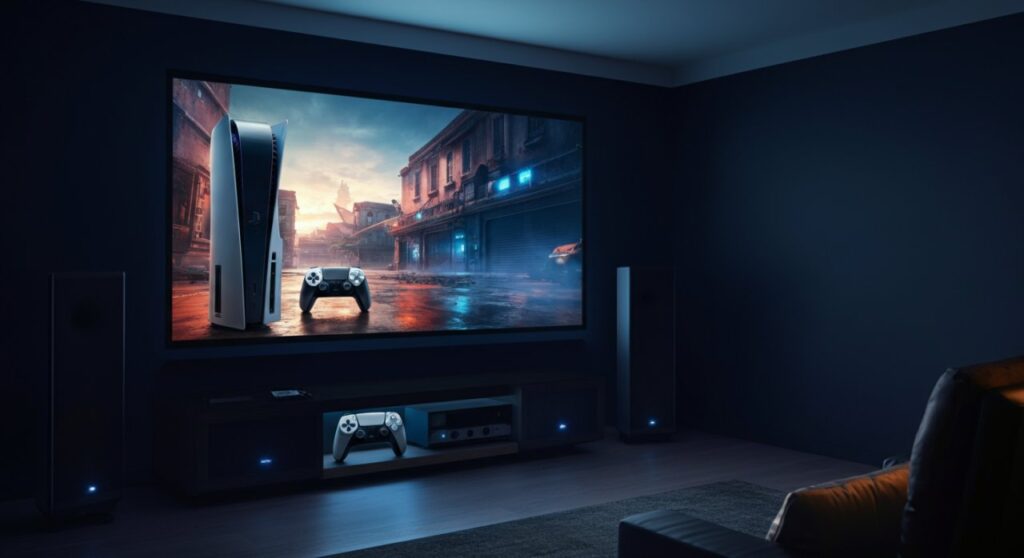
TL;DR: Quick Setup Summary
- Check your ports: Ensure your projector has an HDMI input.
- Use the right cable: Use the High-Speed HDMI cable included with your PS5.
- Manage audio: Projectors often have poor speakers; consider using an HDMI audio extractor or connecting your headset/soundbar directly to the console.
- Input Lag: Always enable Game Mode on your projector to minimize input latency.
Hardware Requirements for PS5 Projection
Before you begin, it is essential to ensure your hardware is capable of supporting the PS5’s high-performance output. While almost any HDMI-capable projector will display an image, the experience depends heavily on the specifications of your device.
Essential Components
- PS5 Console: Compatible with all current models (Standard or Digital).
- HDMI Cable: Use the certified HDMI 2.1 cable that came with your console for 4K/120Hz support.
- Projector: Look for models labeled as “Gaming Projectors” for the best results.
- External Audio: A soundbar, home theater system, or gaming headset.
How to Connect Your PS5 to a Projector: Step-by-Step
Connecting your PS5 to a projector follows the exact same logic as connecting it to a television. Follow these steps to get your system running in minutes.
- Locate the HDMI Port: Identify the HDMI input on the back of your projector.
- Connect the Cable: Plug one end of your HDMI cable into the HDMI OUT port on your PS5.
- Complete the Connection: Plug the other end into the HDMI IN port on your projector.
- Power Up: Turn on both your PS5 and your projector.
- Select Source: Use your projector’s remote to select the correct HDMI input channel.
- Configure Settings: Once the image appears, navigate to Settings > Screen and Video on your PS5 to adjust resolution and refresh rates.
Comparing Display Options for Gaming
Not all projectors provide the same experience. This table compares the typical performance characteristics you should look for when choosing between a projector and a standard television.
| Feature | Standard 4K Gaming Projector | Typical 4K Smart TV |
|---|---|---|
| Screen Size | 100″ – 150″+ | 55″ – 85″ |
| Input Lag | 16ms – 30ms | 5ms – 10ms |
| Brightness | Needs dark room (mostly) | Great in bright rooms |
| Best For | Immersive cinematic gaming | Competitive/Fast-paced gaming |
Overcoming Common Projector Challenges
When you connect a PS5 to a projector, you might encounter issues that don’t happen with TVs. Understanding these challenges will help you troubleshoot like a pro.
Managing Input Lag
Projectors often process video differently than TVs, which can create a “lag” between your controller input and the action on screen. Always look for a Game Mode setting in the projector’s menu, which disables heavy image processing to reduce latency.
Audio Setup Constraints
Most projectors feature small, underpowered internal speakers. Because the PS5 does not have an optical audio port, your best options are:
- Connect a Bluetooth headset directly to the PS5.
- Use an HDMI Audio Extractor to send audio to a dedicated soundbar.
- Connect a soundbar via the eARC port if your projector supports it.
Frequently Asked Questions
Can I get 4K/120Hz gaming on a projector?
Yes, but you must ensure both your projector and the HDMI cable support HDMI 2.1. Many projectors are limited to 4K/60Hz, so verify the technical specifications of your specific model.
Is it hard to connect a PS5 to a projector?
It is very simple. If you have ever connected a game console to a TV, you already know how to do it. The process is identical: plug in the HDMI, power on, and select the source.
Why is my PS5 image blurry on the projector?
This is usually due to improper focus or keystone correction. Ensure your projector lens is physically focused and that your resolution settings on the PS5 match the native resolution of your projector.
Does playing on a projector damage the console?
Absolutely not. The PS5 acts exactly as it would with any other display device. Providing the signal to a projector puts no extra strain on the console’s internal hardware.









