

Can You Use Bluetooth Headphones on a Plane? The Quick Answer
Yes, you can absolutely use Bluetooth headphones on a plane for the vast majority of commercial flights today. While airlines once banned all wireless signals, the FAA (Federal Aviation Administration) and other global regulators like EASA updated their policies in 2013 to allow “short-range” Bluetooth transmissions.
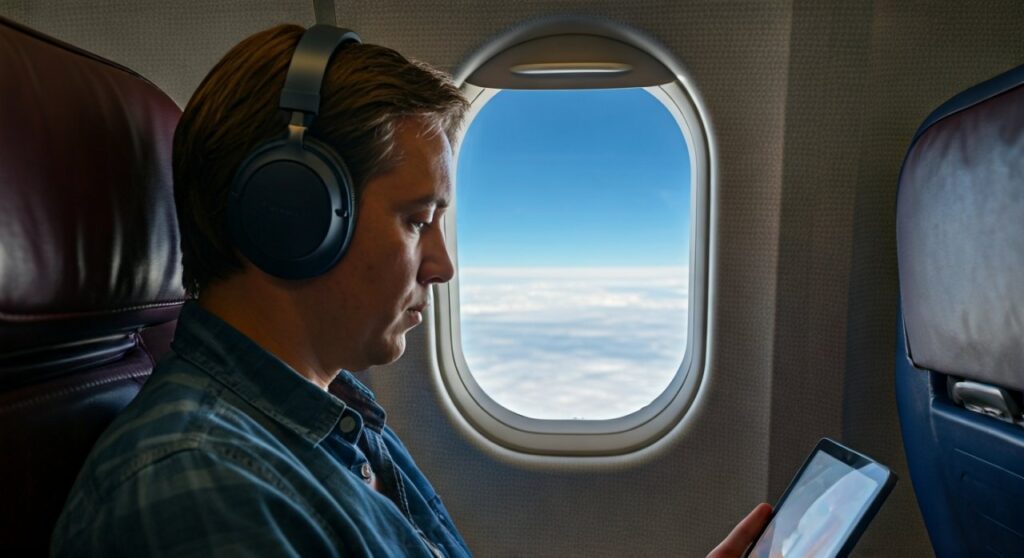
To stay compliant, you must keep your device in Airplane Mode but manually re-enable the Bluetooth toggle. Most modern airlines, including Delta, United, and American Airlines, even encourage wireless use, though you may be asked to stow them during taxi, takeoff, and landing for safety reasons.
Key Takeaways: Bluetooth Use for Air Travel
If you are in a rush to catch your flight, here is the essential information you need to know about using wireless headphones on airplane cabins:
- Legality: It is 100% legal to use Bluetooth on planes under current FAA and EASA guidelines.
- Device Status: Your smartphone or tablet must remain in Airplane Mode throughout the flight.
- In-Flight Entertainment: Most seatback screens require a 3.5mm wired jack. You will need a Bluetooth transmitter (like the Twelve South AirFly) to use your wireless buds with the plane’s TV.
- Takeoff/Landing: Some cabin crews may ask you to remove large, over-ear noise-canceling headphones during critical phases of flight to ensure you can hear emergency instructions.
- Battery Tip: Always charge your headphones to 100% before boarding, as not all planes offer USB charging ports at every seat.
Understanding Airline Regulations for Wireless Headphones
For years, the “sterile cockpit” rule meant all electronic devices had to be powered down. However, extensive testing proved that the low-power signals from Bluetooth headphones do not interfere with the avionics or communication systems of modern aircraft like the Boeing 787 Dreamliner or Airbus A350.
Today, do bluetooth headphones work on a plane? Yes, because the signal strength is limited to a very short range, usually less than 30 feet. This prevents interference with the plane’s sensitive navigation equipment.
Most international carriers now follow these general rules:
- Small Devices: Bluetooth is allowed during all phases of flight.
- Large Devices: Laptops with Bluetooth must be stowed during takeoff and landing.
- Safety Briefing: You must be able to hear the flight attendants, so keep your volume at a reasonable level or remove one earbud during the demo.
How to Use Bluetooth Headphones on Airplane: A Step-by-Step Guide
If you are wondering how to use bluetooth headphones on airplane without breaking any rules, follow these steps I use every time I fly for work.
Step 1: Pair Your Devices Before You Board
The gate area is often crowded with competing signals. I highly recommend pairing your Sony WH-1000XM5 or Apple AirPods Pro to your phone while you are still in the terminal. This ensures a stable connection before you enter the metal tube of the aircraft.
Step 2: Enable Airplane Mode
Once you take your seat, swipe down on your control center and tap the Airplane icon. This disables your cellular radio, which is the primary source of potential interference.
Step 3: Manually Turn Bluetooth Back On
On most iOS and Android devices, turning on Airplane Mode will automatically kill your Bluetooth. Simply tap the Bluetooth icon to turn it back on. Your headphones should reconnect instantly while your cellular signal remains off.
Step 4: Manage Your Connection During Takeoff
Wait for the “Ding” or the announcement that “Electronic devices may now be used.” While the FAA allows gate-to-gate use, some international carriers or specific flight crews may have stricter rules for the first 10 minutes of flight.
Can You Use Bluetooth Headphones on a Plane TV?
This is the most common pain point for travelers. While you can use your phone easily, most In-Flight Entertainment (IFE) systems are older than the Bluetooth standard. If you want to watch the latest movies using your wireless gear, you have two options.
Use a Bluetooth Transmitter
To make wireless headphones work on planes with the seatback screen, you need a portable transmitter. Devices like the AirFly Pro or Avantree Relay plug into the headphone jack and broadcast the audio to your Bluetooth headset.
Direct Bluetooth Pairing (Newer Aircraft)
Some “next-gen” planes, such as the United Airlines Boeing 737 MAX 8 or Delta’s A321neo, now have Bluetooth built directly into the screen.
- Tap the Bluetooth icon on the seatback screen.
- Put your headphones into Pairing Mode.
- Select your device from the list on the screen.
Comparison: Wired vs. Bluetooth Headphones for Flying
| Feature | Bluetooth Headphones | Wired Headphones |
|---|---|---|
| Freedom of Movement | High (No tangled wires) | Low (Tied to the seat) |
| Sound Quality | Excellent (with ANC) | High (Lossless audio) |
| Battery Requirement | Required (Internal battery) | None (Passive) |
| IFE Compatibility | Requires Adapter | Native (Plug & Play) |
| Latency | Minimal (Standard 5.0+) | Zero |
Top Recommended Bluetooth Headphones for Air Travel
Based on my experience logging over 100,000 miles a year, not all wireless headphones are created equal for the cabin environment. You need three things: Active Noise Cancellation (ANC), long battery life, and comfort.
- Sony WH-1000XM5: These are the gold standard. The ANC is capable of drowning out even the loudest jet engines.
- Bose QuietComfort Ultra: Known for their superior comfort during 10-hour transoceanic flights.
- Apple AirPods Pro (2nd Gen): The best for portability and “Transparency Mode” when you need to talk to the flight attendant.
- Sennheiser Momentum 4: These boast a 60-hour battery life, which can last for a round trip from New York to Singapore without a charge.
Troubleshooting: Why Won’t My Bluetooth Headphones Work on a Plane?
If you find that do wireless headphones work on airplanes is a “no” for you mid-flight, check these common issues:
- Signal Congestion: In a cabin with 200 people, everyone is using 2.4GHz signals. Try moving your phone closer to your head.
- Low Battery: Cold airplane cabins can cause lithium-ion batteries to drain faster. Keep them charged.
- Pairing Glitch: If the connection drops, turn Bluetooth off and on again in your settings.
- Incorrect Mode: Ensure your headphones aren’t accidentally in “Wired Mode” if you have a cable plugged into them (some models disable Bluetooth when a cable is detected).
Etiquette and Safety Tips for Wireless Users
While are bluetooth headphones allowed on planes, being a respectful passenger is key.
- Mind the Volume: Sound leaks more than you think in a quiet cabin. If the person next to you can hear your movie, it’s too loud.
- One Ear Out: During meal service, keep one ear free so you don’t make the crew repeat the “Chicken or Pasta” question three times.
- The “Safety Demo” Rule: Always pause your music during the safety briefing. It’s not just a rule; it’s for your survival in an emergency.
Frequently Asked Questions
Can I use my Bluetooth headphones during takeoff and landing?
Generally, yes. Most FAA-regulated airlines allow “Small Personal Electronic Devices” (PEDs) to be used gate-to-gate. However, if you are wearing large over-ear headphones, a flight attendant might ask you to remove them so you can hear instructions during these high-risk phases.
Do wireless headphones work on planes if I don’t have Wi-Fi?
Yes! Bluetooth and Wi-Fi are two different signals. You do not need to purchase an in-flight Wi-Fi package to use your wireless headphones on a plane. You can listen to any music or movies previously downloaded to your device.
Can you bring headphones on a plane in your carry-on or checked bag?
You should always keep your Bluetooth headphones in your carry-on bag. Most contain lithium-ion batteries, which are prohibited in checked luggage by the TSA due to fire risks. Plus, you’ll want them for the flight!
Will my AirPods work with the plane’s built-in movie system?
Not directly, unless it is a very new aircraft with integrated Bluetooth. For 90% of planes, you will need a Bluetooth adapter to plug into the armrest jack so your AirPods can receive the signal.
Is Bluetooth signal safe for the plane’s navigation?
Yes. Modern aircraft are designed with shielding to prevent interference from low-power signals like Bluetooth and Low-Power Wi-Fi. This is why the FAA updated its stance to allow their use.









