

How to Clean AirPods Max Headphones Safely
To clean AirPods Max headphones effectively, you should use a soft, dry, lint-free cloth for the metal surfaces and a mixture of water and liquid laundry detergent for the fabric components. Avoid getting any liquid in the charging ports or the speaker mesh, and ensure the cushions and headband are completely dry for at least 24 hours before reassembling.
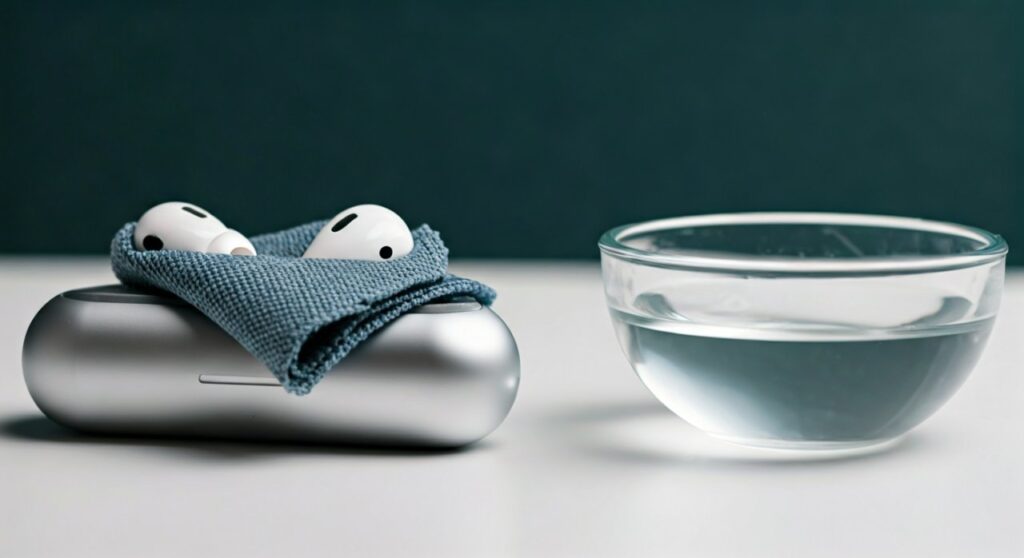
Maintaining your Apple headphones Max is not just about aesthetics; it is about preserving the acoustic seal and the integrity of the knit mesh. Over time, skin oils, sweat, and hair products can degrade the materials, leading to odors or even hardware failure.
Key Takeaways: The Quick Guide
If you are in a hurry, here is the essential protocol for cleaning air max headphones:
- Tools Needed: Lint-free cloth, liquid laundry detergent, water, and 70% isopropyl alcohol (for non-fabric parts only).
- The Golden Rule: Never submerge the headphones in any liquid.
- Cushion Care: Hand wash with a detergent solution; do not use the washing machine.
- Drying Time: Always wait a full 24 hours before snapping the cushions back onto the earcups.
- Avoid: Bleach, hydrogen peroxide, and pressurized air.
Why Proper Cleaning is Essential for AirPods Max
The AirPods Max are a premium piece of engineering, featuring anodized aluminum, stainless steel, and a custom breathable knit mesh. Unlike cheaper plastic alternatives, these materials react poorly to harsh chemicals.
Based on technical teardowns, the knit mesh on the headband is particularly susceptible to “bottoming out” or sagging if it becomes clogged with heavy oils. Furthermore, the acoustic transparent fabric covering the drivers can become muffled if dust accumulates, directly impacting the Active Noise Cancellation (ANC) performance.
Regular maintenance prevents the buildup of bacteria that can cause ear infections. It also ensures that the sensors (like the skin-detect sensor) function correctly, so your music pauses and plays exactly when it should.
Essential Supplies for Cleaning Your Apple Headphones
Before you begin, gather the following supplies. Using the wrong chemicals can strip the oleophobic coating or discolor the aluminum.
| Item | Recommended Type | Purpose |
|---|---|---|
| Microfiber Cloth | Non-abrasive, lint-free | Wiping down aluminum earcups |
| Water | Distilled (preferred) | Creating cleaning solutions |
| Laundry Detergent | Liquid, scent-free | Cleaning mesh and cushions |
| Isopropyl Alcohol | 70% concentration | Disinfecting hard surfaces |
| Soft Brush | Clean toothbrush or makeup brush | Removing debris from crevices |
| Cotton Swabs | Standard Q-tips | Cleaning the Digital Crown and ports |
Step 1: Cleaning the Cushions and Headband
The fabric parts of the AirPods Max absorb the most debris. This is where sweat and makeup tend to settle, leading to discoloration on lighter models like the Silver or Sky Blue versions.
Preparing the Cleaning Solution
Mix 1 teaspoon (5 ml) of liquid laundry detergent into 1 cup (250 ml) of water. Stir it gently until it is fully incorporated. Do not use soap or dish detergent, as these can leave a film that affects the fabric’s breathability.
The Cleaning Process
- Remove the Cushions: Gently pull the magnetic cushions away from the earcups.
- Dip and Squeeze: Dip a lint-free cloth into the solution and wring it out until it is only slightly damp.
- Scrub Gently: Rub the cloth over the cushions and the knit mesh headband for one minute each.
- The Headband Technique: Hold the headphones upside down while cleaning the headband. This prevents liquid from running down into the attachment points where the electronics are housed.
- Rinse: Use a separate cloth dampened with fresh water (no soap) to “rinse” the areas by wiping away any detergent residue.
Step 2: Cleaning the Aluminum Earcups
The anodized aluminum earcups are durable but can be scratched by debris or dulled by oils. This is the most visible part of your how to clean airpod max headphones routine.
Use a dry, lint-free cloth for daily maintenance. If there are stubborn scuffs or sticky spots, you can slightly dampen the cloth with water.
For disinfection, 70% isopropyl alcohol wipes are safe to use on the exterior aluminum surfaces. However, never use alcohol on the knit mesh of the headband or the cushions, as it can break down the elastic fibers and cause the mesh to lose its tension.
Step 3: Detailed Cleaning of the Digital Crown and Sensors
The Digital Crown and the noise control button can become sticky if debris gets trapped in the gaps.
If the Digital Crown is stuck or making a grinding noise, you can use a dry cotton swab to clear the gap. If necessary, slightly dampen the swab with water. While rotating the crown, gently wipe the perimeter.
For the optical sensors inside the earcups:
- Use a dry cotton swab to wipe the sensor windows.
- Ensure there is no lint left behind, as this can cause the headphones to think they are not on your head.
Step 4: The Critical Drying Phase
The most common mistake when users learn how to clean apple headphones max is reassembling them too quickly. Moisture trapped between the magnet and the earcup can lead to corrosion or “condensation death.”
- Lay the cushions on a flat, dry surface with the fabric side facing up.
- Hang the AirPods Max or lay them in a way that the headband mesh is exposed to airflow.
- Wait at least 24 hours. Even if the fabric feels dry to the touch, the internal foam can retain moisture.
- Do not use a hairdryer or a heater to speed up the process. High heat can warp the internal components or damage the glue.
How to Clean the AirPods Max Smart Case
The Smart Case often gets overlooked. Because it has a soft-touch finish and a microfiber lining, it acts like a magnet for dust inside your bag.
- Exterior: Use a soft cloth dampened with a tiny amount of alcohol or soapy water.
- Interior: Use a dry microfiber cloth to wipe the lining. If there is grit inside, use a soft-bristled brush to sweep it out.
- Charging Port: Check the Lightning or USB-C port on the bottom of the case for pocket lint. A wooden toothpick is the safest tool to gently extract debris without damaging the pins.
Advanced Tips for Stubborn Stains
Sometimes, a simple detergent solution isn’t enough. Here is how experts handle specific issues with AirPods Max maintenance.
Removing Makeup Stains
If you have the Pink or Silver models, foundation and concealer stains are common. Use a dedicated fabric cleaner designed for delicate items, or a “tide pen” applied very sparingly. Ensure you rinse the area thoroughly with a damp cloth afterward.
Eliminating Odors
If your headphones have developed a “gym smell,” do not spray them with perfume or Febreze. Instead, place them in a sealed container with a few silica gel packets or a small bowl of activated charcoal for 48 hours. This pulls the moisture and odors out of the foam without adding chemical buildup.
Dealing with Yellowing Mesh
Yellowing is usually caused by sweat oxidation. A paste of baking soda and water can be applied to the mesh (cushions only, removed from the device). Let it sit for 5 minutes, then scrub gently and rinse. This is a “last resort” for older headphones.
Professional Maintenance Schedule
To keep your Apple headphones Max in mint condition, follow this frequency guide based on usage intensity.
| Usage Type | Cleaning Frequency | Focus Area |
|---|---|---|
| Daily Commuter | Once every 2 weeks | Earcups and Smart Case |
| Gym/Workout | After every session | Dry wipe cushions; deep clean weekly |
| Home/Studio | Once a month | Dusting mesh and sensors |
| Heavy Makeup User | Weekly | Cushion fabric and headband |
Frequently Asked Questions (FAQs)
Can I put my AirPods Max cushions in the washing machine?
No, you should never put AirPods Max cushions in a washing machine or dryer. The agitation can damage the internal magnets and the delicate glue bonds, while the heat of a dryer will ruin the memory foam’s shape.
Is it safe to use Clorox wipes on my AirPods Max?
You can use 70% isopropyl alcohol wipes or Clorox Disinfecting Wipes on the exterior aluminum earcups and the stainless steel frame. However, do not use them on the fabric mesh or the cushions, as the bleach-free chemicals can still cause discoloration over time.
Why do my AirPods Max have condensation inside?
Condensation is a known issue due to the aluminum earcups’ cold temperature meeting warm body heat. To prevent damage, wipe the interior of the earcups with a dry cloth after long listening sessions and ensure they are dry before placing them in the Smart Case.
Can I use a hairdryer to dry the mesh?
No. High heat can melt the synthetic fibers of the knit mesh or damage the adhesive holding the headband together. Always air dry in a well-ventilated area for at least 24 hours.
How do I remove hair from the mesh?
For hair or lint trapped in the knit mesh, use a piece of painter’s tape or a dedicated lint roller. Gently press it onto the mesh and lift. Avoid using sharp tweezers which could snag and tear the fabric.









