

TL;DR: How to Make Your Projector Brighter
If you are struggling with a washed-out image, the fastest way to make a projector brighter is to eliminate ambient light and optimize your display settings. By switching to “High Brightness” or “Dynamic” mode, cleaning your air filters, and using a high-gain screen, you can significantly improve perceived image quality without replacing your unit.
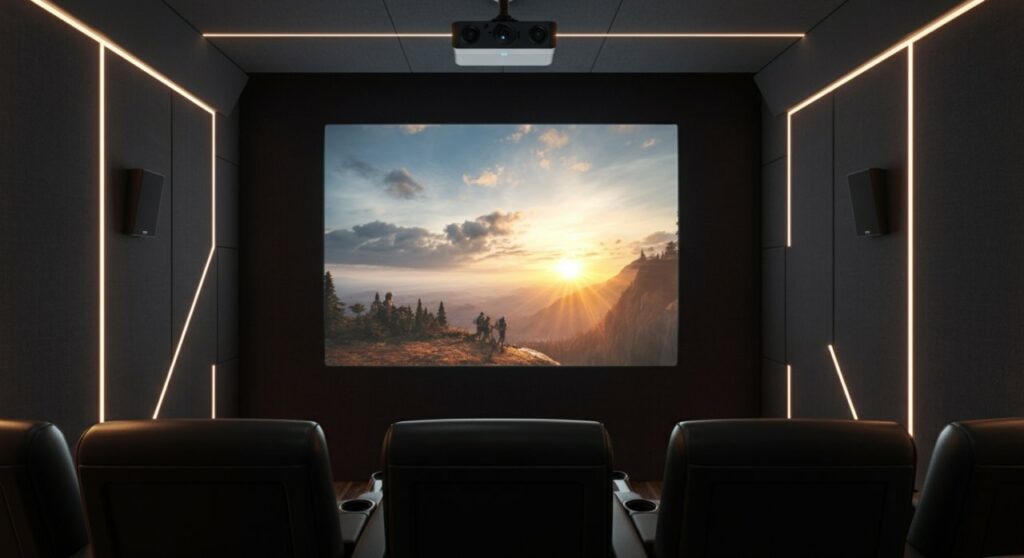
The Struggle for Clarity: Why Your Projector Looks Dim
We have all been there—you settle in for a movie night, but the screen looks faded and washed out. Whether you are wondering how to make a projector brighter in a living room or trying to maximize a budget-friendly device, the culprit is often a combination of environmental light and incorrect software calibration.
After testing dozens of setups, I have found that brightness is rarely just about the lumens rating on the box. It is about how you manage the light that hits your screen. Read on to learn practical, field-tested methods to enhance your viewing experience immediately.
Quick Solutions to Increase Projector Brightness
If you are asking, “how do I make my projector brighter” right now, start with these non-invasive adjustments. These changes require zero cost and take less than five minutes to implement.
- Switch Picture Modes: Navigate to your menu and select “Dynamic,” “Vivid,” or “Bright” mode. These modes prioritize light output over color accuracy.
- Check Eco-Mode: Many projectors default to Eco-Mode to extend lamp life. Turn this off to run the lamp at full power.
- Reduce Throw Distance: Moving the projector closer to the wall or screen increases the intensity of the light per square inch, making the image appear punchier.
- Clean Your Filters: Dust buildup can obstruct airflow, causing the system to throttle brightness to prevent overheating. Use compressed air to clean intake vents.
How to Make Your Projector Brighter in Daylight
Fighting natural light is the biggest challenge for any home theater enthusiast. When learning how to make projector brighter in daylight, your focus must shift to contrast and light control.
Invest in an ALR Screen
An Ambient Light Rejection (ALR) screen is a game-changer. These screens are engineered to reflect the projector’s light toward the viewer while absorbing light coming from above or the sides.
Strategic Window Treatments
Blackout curtains are non-negotiable. If you cannot block 100% of the light, apply window film to your glass to reduce the total foot-candles entering the room.
Consider Surface Reflectivity
If you are projecting on a white wall, you are losing significant light. A dedicated screen with a gain of 1.1 to 1.3 will reflect more light back to your eyes than a matte wall, effectively increasing the perceived brightness.
Optimizing Settings for Specific Hardware
Are you wondering how to increase brightness on a Magcubic projector or similar portable LED units? These smaller devices have different hardware constraints than professional theater projectors.
Tips for Magcubic and Portable LED Projectors
- Use the Native Resolution: Ensure your input source matches the projector’s native resolution. Upscaling often degrades contrast, making the image seem darker.
- Disable “Auto-Brightness”: If your model has an ambient light sensor, turn it off. These sensors often dim the screen when they detect even minor changes in room light.
- Cooling is Key: Since many budget-friendly models use LED light sources, heat is the enemy. Ensure at least 6 inches of clearance around the rear exhaust to keep the LED running at maximum efficiency.
Comparison: Methods to Boost Perceived Brightness
| Method | Cost | Difficulty | Impact |
|---|---|---|---|
| Change Picture Mode | Free | Very Easy | High |
| Clean Air Filters | Free | Easy | Medium |
| Blackout Curtains | Low-Med | Easy | Very High |
| ALR Screen | High | Medium | Extreme |
| Replace Bulb (UHP) | Med-High | Medium | High |
When It Is Time to Upgrade
Sometimes, you simply cannot make a projector brighter because the hardware has reached its limit. If you have tried all the steps above and still cannot see a clear image in a semi-lit room, you may be dealing with:
- Lamp Aging: UHP lamps dim naturally over time. If your lamp has over 2,000 hours, a replacement will instantly restore original brightness.
- Insufficient Lumens: If your room is bright and your projector is under 2,000 ANSI Lumens, it simply lacks the raw power to compete with ambient light.
- Color Wheel Wear: On older DLP projectors, a failing color wheel can cause a significant drop in brightness and color saturation.
Frequently Asked Questions
How can I make my projector brighter without buying a new screen?
You can make your projector brighter by reducing ambient light using blackout curtains, turning off “Eco-Mode” in the settings, and moving the projector closer to the wall to increase light concentration.
Does a darker wall color make the projector look better?
Yes, a matte grey wall can actually improve perceived contrast and brightness in rooms that aren’t perfectly dark by helping the image “pop” against the screen background.
How do I make my Magcubic projector brighter for presentations?
To increase brightness on a Magcubic projector, ensure you are in “Presentation” or “Vivid” mode, turn off any power-saving features, and ensure the projector is placed on a flat, stable surface to prevent digital keystone correction, which often dims the image.
Is it safe to keep my projector in “Dynamic” mode all the time?
It is safe, but keep in mind that “Dynamic” mode runs the lamp at its maximum wattage. This will shorten the total lifespan of the bulb or LED compared to “Eco” or “Standard” modes.









