

How to Measure Projector Screen for Your Home Cinema
If you are wondering how to measure a projector screen, you simply need to measure the diagonal length of the viewing surface from one corner to the opposite corner. Most manufacturers define projector screen size by this diagonal measurement, rather than the width or height, which is a common point of confusion for beginners. Whether you are upgrading your media room or building a DIY setup, getting these dimensions correct is essential for achieving the perfect aspect ratio and avoiding image cropping.
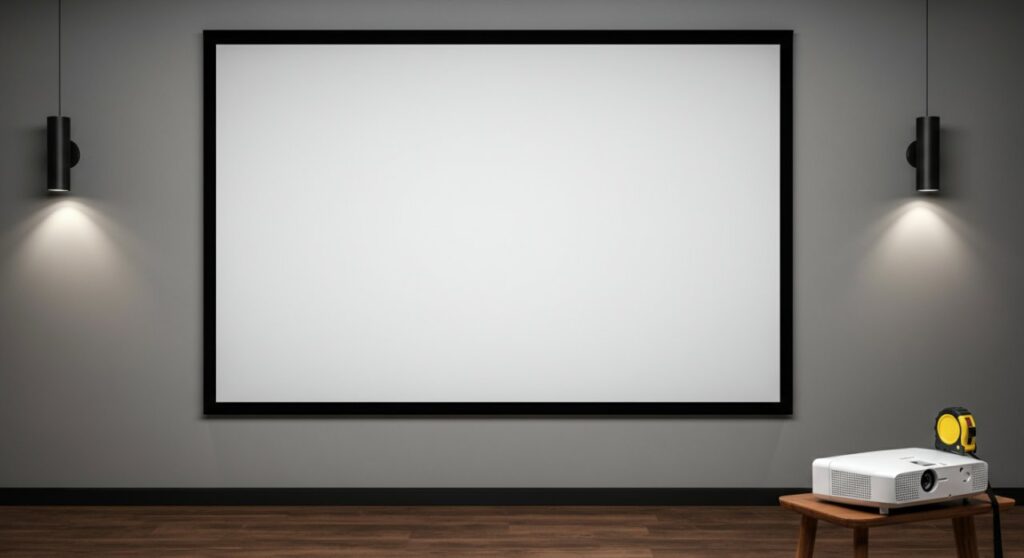
TL;DR: Quick Guide to Screen Measurement
- The Golden Rule: Screens are almost always measured diagonally (e.g., a 100-inch screen means 100 inches from top-left to bottom-right corner).
- The Formula: Use the Pythagorean theorem ($a^2 + b^2 = c^2$) if you know the width and height but need the diagonal.
- Aspect Ratio Matters: Ensure you match your screen’s aspect ratio (usually 16:9 for home theater) to your projector’s native resolution.
- Measure the Frame: Always verify if the dimensions provided by a manufacturer include the bezel (the black border) or just the active viewing area.
Understanding How Are Projector Screens Measured
When learning how to size a projector screen, you must distinguish between the viewing area and the total frame size. Manufacturers typically list the “viewing area,” which is the actual white or grey surface where your image lands.
The Diagonal Measurement Standard
In the industry, how are projector screens measured follows a standardized diagonal path. If you hold a tape measure starting from the top-left corner of the white material and pull it taut to the bottom-right corner, that is your official screen size.
Why Aspect Ratio is Critical
A 100-inch screen in a 16:9 aspect ratio will have different width and height dimensions than a 100-inch screen in a 2.35:1 (CinemaScope) ratio. Always check the specs sheet:
- 16:9: Standard for HDTV, gaming, and most movies.
- 2.35:1: Ideal for ultra-wide cinematic experiences.
- 4:3: Primarily used for older presentations or vintage media.
Step-by-Step: How to Measure a Projector Screen
Follow these professional steps to ensure you purchase the correct equipment for your space. Do not rely on “eye-balling” the wall; precision is key to a high-quality home cinema experience.
Step 1: Identify Your Viewing Distance
Before you measure the wall, measure the distance from your seating area to the screen. A good rule of thumb for 1080p projectors is to sit at a distance roughly 1.5 to 2 times the width of the screen.
Step 2: Clear the Mounting Area
Remove any wall decor or obstructions. Ensure you have at least 2-3 inches of extra space around your target area for the bezel and mounting brackets.
Step 3: Use the Tape Measure Correctly
- Measure the width of your intended horizontal space.
- Measure the height of your available vertical wall space.
- Calculate the diagonal using the formula: Diagonal = Square Root of (Width² + Height²).
Step 4: Verify Against Projector Throw Distance
Even if you find the perfect size, you must ensure your projector can actually fill that screen from where it is mounted. Check your projector’s manual for the throw ratio—this dictates how far back the projector must be to achieve a specific screen size.
Comparison Table: Common Screen Dimensions (16:9)
To simplify how to measure projector screen requirements, use this quick reference table for standard 16:9 screen sizes.
| Diagonal Size | Width (inches) | Height (inches) | Best Viewing Distance |
|---|---|---|---|
| 100 inch | 87.2″ | 49.0″ | 10–13 feet |
| 110 inch | 95.9″ | 53.9″ | 11–15 feet |
| 120 inch | 104.6″ | 58.8″ | 12–16 feet |
| 135 inch | 117.7″ | 66.2″ | 14–18 feet |
Note: Dimensions are based on standard 16:9 aspect ratio math.
Expert Tips for Accuracy
Having set up dozens of home theaters, I have learned that even a small measurement error ruins the immersion. Here are my professional recommendations:
- Check for “Gain”: If you have high ambient light, consider a screen with higher gain, though this often comes with a narrower viewing angle.
- Account for Bezel Width: When building a DIY frame, remember that the black velvet border adds to the total physical footprint on your wall.
- Use a Laser Measure: For accuracy beyond a standard tape measure, a laser distance measurer eliminates the “sagging tape” error common in large screen measurements.
- Test with a Cardboard Template: If you are unsure about the size, cut a piece of cardboard to the measured dimensions and tape it to the wall for a day to see how it feels in the room.
Frequently Asked Questions
Does the measurement include the frame?
Usually, no. When you search for how to measure a projector screen, the provided diagonal length almost exclusively refers to the active viewing area. Always check the “Total Physical Dimensions” section of the product listing to ensure the entire unit fits your wall.
Can I use a wall instead of a screen?
You can, but you will lose significant image quality. Using a dedicated projector screen ensures a uniform gain and color reproduction that a flat, white-painted wall cannot provide.
How do I calculate width if I only know the diagonal?
If you have a 16:9 screen, you can find the width by multiplying the diagonal by 0.8716. For the height, multiply the diagonal by 0.4903.
What happens if my screen is too big for my projector?
You will experience “overscan” where the light spills onto your walls, or a dim, washed-out image because the lumens are spread over too large an area. Always prioritize the brightness of your projector over the raw size of the screen.









