

How to Use a Projector for Sewing Patterns: A Modern Approach
Learning how to use a projector for sewing patterns is a game-changer that eliminates the need for printing, cutting, and taping hundreds of paper PDF pages. By projecting your pattern directly onto fabric, you can cut out garments in a fraction of the time, drastically reducing prep work while saving significant costs on paper and ink. As someone who has spent hours manually tracing patterns, switching to a digital sewing setup was the most efficient upgrade I ever made to my craft room.
TL;DR: Quick Setup Overview
If you want to start projector sewing today, follow this rapid-fire checklist:
- Hardware: Obtain a short-throw or ultra-short-throw projector, a stable ceiling or floor mount, and a cutting mat.
- Calibration: Align your projector so the image is perfectly square and matches the calibration grid provided by pattern designers.
- Software: Use Adobe Acrobat Reader (or similar PDF viewers) to open your patterns, ensuring your zoom is set to 100% or “actual size.”
- Workflow: Lay your fabric on the cutting mat, project the pattern, adjust for fabric grainline, and cut directly along the lines with your rotary cutter.
Essential Gear for Your Projector Sewing Setup
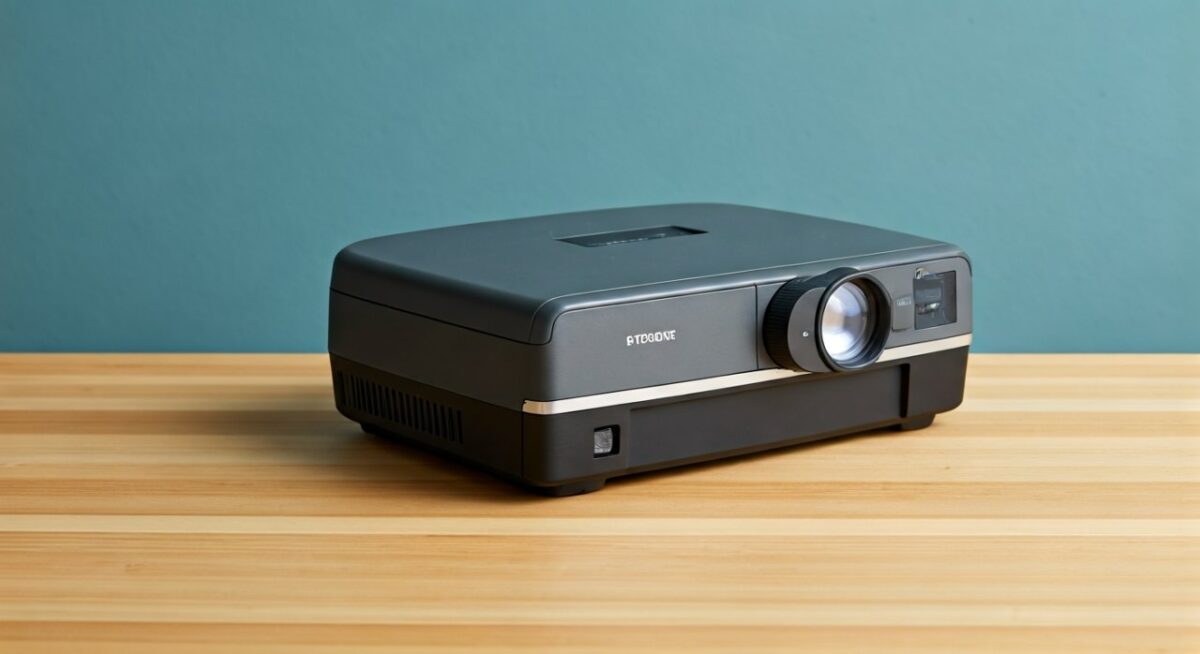
To successfully use a projector for sewing patterns, you don’t necessarily need the most expensive cinema-grade equipment. Focus on these core components to ensure your projected lines are accurate and easy to trace.
Recommended Equipment List
| Component | Why It Matters | Key Specification |
|---|---|---|
| Projector | Determines image clarity and throw distance | 1080p resolution minimum |
| Mount | Ensures stability and consistent zoom | Articulating or fixed ceiling mount |
| Remote | Allows you to focus and zoom from a distance | Bluetooth or infrared compatible |
| Cutting Mat | Provides a surface to cut on and calibration point | Large (at least 24″ x 36″) |
Many sewists start with budget-friendly mini-projectors, but if you have a limited ceiling height, an ultra-short-throw projector is the gold standard. It allows you to mount the device much closer to your cutting table while still projecting a large enough area for full-sized garment pieces.
Step-by-Step Guide to Projector Sewing
Setting up your workspace requires patience during the initial calibration, but it is a one-time process that yields permanent rewards. Follow these steps to ensure professional accuracy every time.
Mounting and Positioning
Mount your projector securely above your cutting table. Ensure the lens is perpendicular to the center of your table to prevent keystoning (distorted, trapezoid-shaped images).
- Measure the distance from your lens to the table to determine your maximum projection area.
- Ensure your cutting mat is placed directly under the projected area.
- Double-check that the projector is locked in place so it doesn’t shift during your sewing session.
Calibrating the Image
Calibration is the most critical step to ensure your garments fit as expected. Most digital sewing patterns include a calibration grid (often in inches or centimeters).
- Open your PDF file and display the calibration layer or grid.
- Adjust your projector’s physical position or use the zoom feature until the lines on the screen perfectly match the measurements on your physical ruler.
- Verify the alignment in all four corners of the projection area.
Cutting Your Fabric
Once calibrated, place your fabric on the mat. Use the pattern’s grainline markings projected onto the fabric to orient your pieces correctly.
- Weight your fabric down with pattern weights or fabric clips to prevent shifting.
- Use a sharp rotary cutter to follow the projected lines.
- If your pattern has multiple sizes, use the layers feature in your PDF reader to hide the sizes you don’t need, making the lines easier to follow.
Overcoming Common Projector Sewing Challenges
Even experienced users encounter minor hurdles. Here is how to handle the most common issues based on my personal experience.
Dealing with Fabric Glare
Sometimes, the projected light can reflect off certain fabrics, making it difficult to see the lines.
- Pro Tip: Use a matte-finish fabric or lay a sheer, light-colored cotton over shiny or metallic materials to “catch” the projection better.
- Ensure your room lighting is dimmed; the darker the room, the crisper your sewing patterns will appear.
Preventing Image Distortion
If your image looks slightly off despite your best efforts, you might be dealing with projector drift.
- Always check your calibration grid before every cutting session.
- Small vibrations from a nearby sewing machine can sometimes shift a mount; ensure your mount is tightened securely to a stud or a rigid frame.
Frequently Asked Questions (FAQs)
Do I need a special computer to use a projector for sewing?
Not at all. Any modern laptop or tablet with an HDMI output will work perfectly. You simply connect your device to the projector as you would an external monitor.
Will the heat from the projector damage my fabric?
Modern LED projectors run very cool compared to older lamp-based models. I have used mine for hours at a time without any impact on delicate fabrics like silk or rayon.
Can I use PDF patterns meant for paper printing?
Yes. Any PDF sewing pattern can be used. Simply open the file, use the “Full Screen” mode in your PDF viewer, and ensure your zoom is calibrated correctly to 100%.
Is it hard to learn how to use a projector for sewing patterns?
It has a short learning curve. Most people find that after 2 or 3 projects, the workflow becomes second nature and significantly faster than the traditional “print-and-tape” method.









