

What Are Good Gaming Headphones: The Definitive Guide to Top-Tier Audio
Good gaming headphones are defined by three critical pillars: low-latency connectivity, accurate spatial imaging, and extended wearing comfort. To find the best pair, you should prioritize models like the SteelSeries Arctis Nova Pro, HyperX Cloud Alpha, or the Sennheiser PC38X, which balance high-fidelity sound with clear microphone communication.
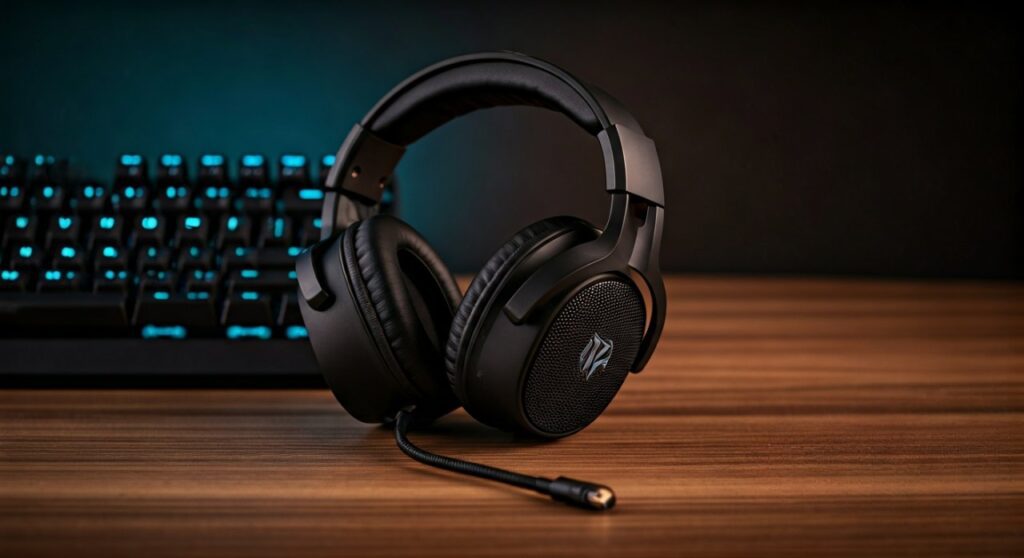
Whether you are trying to hear footsteps in Valorant or lose yourself in the sweeping score of Elden Ring, your audio choice can make or break the experience. After testing dozens of headsets in competitive environments, I’ve found that the “best” choice depends heavily on your specific needs—whether you prioritize wireless freedom or the raw detail of audiophile-grade drivers.
Key Takeaways (TL;DR)
If you’re in a hurry, here are the essential facts about what are good gaming headphones:
- Spatial Audio is King: Look for “imaging”—the ability to pinpoint where a sound is coming from.
- Wired vs. Wireless: Wired offers zero latency and better mic quality; wireless (2.4GHz, not Bluetooth) offers convenience.
- Comfort Trumps All: If they hurt after 2 hours, they aren’t good gaming headphones. Look for memory foam and breathable mesh.
- Audiophile Options: Are audiophile headphones good for gaming? Absolutely. Often, they provide a wider soundstage than “gaming” branded sets.
- Top Recommendations: HyperX Cloud III (Budget/Value), SteelSeries Arctis Nova Pro Wireless (High-end Features), Beyerdynamic DT 900 Pro X (Pure Audio Quality).
Defining What Makes a Gaming Headset “Good”
To understand what are good headphones for gaming, we must look beyond the flashy RGB lights. A “good” headset must provide a competitive advantage and a comfortable physical experience.
Directional Accuracy (Imaging)
In competitive shooters, sound is a legal wallhack. Imaging refers to how accurately a headset places a sound in a 3D space. Good gaming headphones allow you to distinguish if an enemy is 10 feet away at a 45-degree angle or directly behind you.
The Soundstage
This is the perceived “width” of the audio. Open-back headphones usually have a wider soundstage, making the game feel like it’s happening in a room around you. Closed-back headphones offer more isolation and deeper bass, which is better for cinematic immersion.
Microphone Clarity
If your teammates can hear your mechanical keyboard or your heavy breathing, the headset isn’t doing its job. Look for noise-canceling microphones with a clear, natural frequency response.
Audiophile vs. Gaming Headsets: Which Should You Choose?
A common question among enthusiasts is: are audiophile headphones good for gaming? The answer is a resounding yes. In fact, many professional gamers are switching to “Studio” headphones paired with a standalone mic.
Why Audiophile Gear Wins
Audiophile brands like Sennheiser, Hifiman, and Beyerdynamic focus on neutral sound signatures. Unlike gaming headsets that often bloat the bass, audiophile gear allows the mid-range frequencies (where footsteps live) to shine.
The Beyerdynamic Factor
Many users ask: are beyerdynamic headphones good for gaming? They are legendary in the community. The Beyerdynamic DT 770 Pro and DT 990 Pro are industry standards because of their “analytical” sound—they reveal every tiny detail in the game’s audio engine.
| Feature | Standard Gaming Headset | Audiophile Headphones |
|---|---|---|
| Microphone | Built-in (Convenient) | None (Requires external mic) |
| Sound Profile | V-Shaped (Bass & Treble heavy) | Neutral / Balanced |
| Build Quality | Plastic-heavy | Studio-grade metal/velour |
| Spatial Imaging | Virtual Surround (Software) | Natural Soundstage (Hardware) |
| Software | RGB & EQ Apps | None (Plug and Play) |
Are Gaming Headphones Worth It?
When asking are gaming headphones worth it, consider the “All-in-One” factor. You get a microphone, a mute button, a volume wheel, and often a wireless dongle in a single package.
For the average gamer, the convenience of a SteelSeries or Logitech G headset outweighs the slight audio gains of a complex audiophile setup. However, if you are a multi-media user, you might wonder: are gaming headphones good for music?
Generally, gaming headsets are tuned for explosions and communication. While they are “fine” for casual listening, they often lack the texture and detail required for high-fidelity music. Furthermore, if you are a creator, are gaming headphones good for music production? No. Their colored sound profiles will mislead you during the mixing process. You need a flat response for production.
The Rise of IEMs: Are In-Ear Headphones Good for Gaming?
You may have noticed pro players at tournaments wearing tiny earbuds under their ear muffs. Are in ear headphones good for gaming?
Yes, specifically In-Ear Monitors (IEMs). IEMs like the 7Hz Salnotes Zero or the Moondrop Aria offer incredible detail and eliminate the “hot ear” syndrome of big headsets. They are excellent for long sessions, though they lack the wide “out-of-head” soundstage of open-back headphones.
Step-by-Step Guide: How to Choose the Right Pair
Choosing what are good gaming headphones for your specific desk setup involves a logical process. Follow these steps:
Step 1: Identify Your Primary Platform
- PC: You have the most flexibility (USB, 3.5mm, Wireless).
- Console (PS5/Xbox): You need to ensure compatibility with Sony’s 3D Audio or Xbox Wireless protocols.
Step 2: Choose Your Connection Type
- Wired (3.5mm/USB): Best for reliability and sound quality. No batteries to charge.
- Wireless (2.4GHz Dongle): Essential for couch gaming. Look for low-latency specs. Avoid Bluetooth-only for gaming as the lag is too high for shooters.
Step 3: Evaluate the Environment
- Noisy Room: Choose Closed-back or Active Noise Cancelling (ANC).
- Quiet Room: Choose Open-back for the best soundstage and breathability.
Step 4: Check for “Clamping Force”
This is a pro-tip: If you wear glasses, look for headsets with hinged earcups and cooling gel pads. High clamping force will cause headaches within an hour.
Top Recommendations for 2024
Based on performance data and ergonomic testing, here are the leaders in the market:
- SteelSeries Arctis Nova Pro Wireless: The “Swiss Army Knife.” It features hot-swappable batteries and dual-system connectivity.
- Razer BlackShark V2 Pro (2023): Best-in-class microphone for a wireless headset.
- HyperX Cloud Alpha Wireless: Boasts a staggering 300-hour battery life.
- Audeze Maxwell: Uses Planar Magnetic Drivers for audiophile-grade gaming sound.
- Beyerdynamic TYGR 300 R: The best “hidden gem” for pure spatial awareness.
Summary: What to Look for on the Box
When shopping, keep an eye out for these technical specifications:
- Driver Size: 40mm to 50mm is standard.
- Frequency Response: 20Hz – 20kHz is the human hearing range; wider (e.g., 10Hz – 40kHz) often indicates better hardware.
- Impedance (Ohms): For gaming, look for 32 ohms or less so you don’t need a special amplifier.
- Weight: Aim for under 350 grams for maximum comfort.
Frequently Asked Questions (FAQs)
What is the difference between 7.1 Surround Sound and Stereo?
Most gaming headsets use Virtual 7.1 Surround Sound, which is a software trick to simulate direction. High-quality Stereo is often superior because it provides a cleaner, more accurate signal without artificial echo.
Why do pro gamers use two pairs of headphones?
At live events, pros wear IEMs (earbuds) for the game audio and heavy-duty noise-canceling muffs over them to block out the crowd noise and announcers.
Do I need a DAC or Amp for gaming headphones?
Most “gaming” branded headsets are designed to run perfectly off a motherboard or controller. However, if you buy high-impedance audiophile headphones for gaming (like the 250-ohm Beyerdynamics), you will need an External DAC/Amp to reach usable volume levels.
Can I use my gaming headset for work calls?
Yes! Most good gaming headphones have excellent background noise rejection, making them better for Zoom or Teams calls than your laptop’s built-in microphone.
Are wireless headphones slower than wired ones?
If you use a 2.4GHz USB dongle, the latency is usually under 20ms, which is indistinguishable from wired. However, Bluetooth typically has 100-200ms of lag, which is why it is not recommended for fast-paced gaming.









