

Understanding What is an LCD Projector
An LCD projector is a display device that uses Liquid Crystal Display (LCD) technology to project images, videos, or data onto a flat surface like a screen or wall. It works by passing light from a metal-halide lamp or LED/laser source through three separate LCD panels (red, green, and blue), which combine to create the full-color image you see.
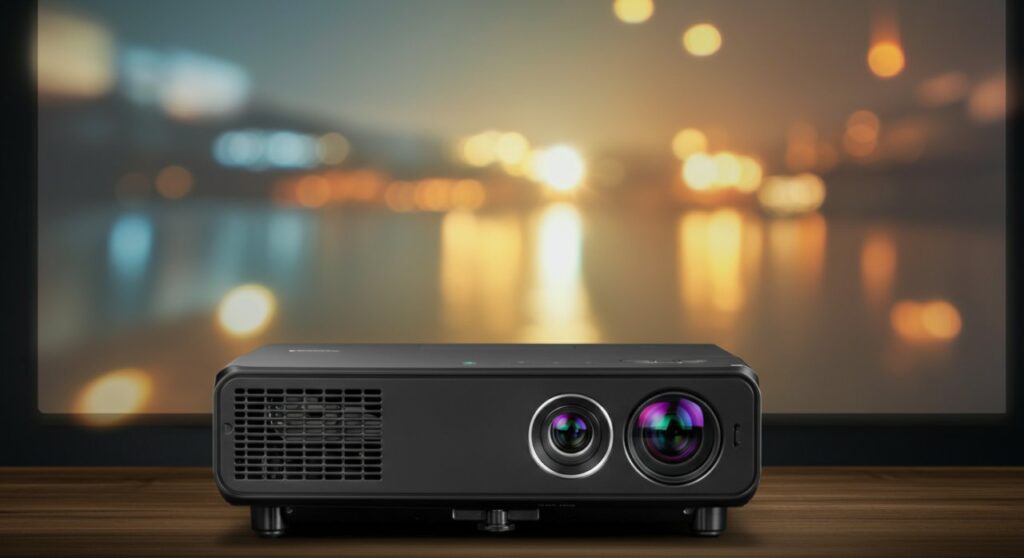
Many people ask what is a lcd projector compared to DLP alternatives. The primary distinction lies in how the color is processed, as LCD technology is renowned for superior color brightness and saturation. Whether you are setting up a home theater or a professional boardroom, understanding this technology is the first step toward getting the perfect picture.
TL;DR: Key Takeaways
If you are short on time, here is the essential breakdown of why you might choose this display technology:
- Color Accuracy: LCD projectors typically offer better color brightness and more vivid saturation than DLP models.
- No Rainbow Effect: Unlike some single-chip DLP projectors, LCD technology does not suffer from the “rainbow effect” (color flickering).
- Best Use Case: They are excellent for home theaters, classrooms, and boardrooms where color precision is critical.
- Maintenance: These units require occasional filter cleaning to prevent dust buildup inside the optical engine.
How Does an LCD Projector Actually Work?
At its core, the technology is a marvel of optical engineering. Light starts from a high-intensity bulb and is split into red, green, and blue components using special mirrors.
The Optical Process
- Light Splitting: The light passes through dichroic mirrors that divide the white light into three primary colors.
- LCD Panels: Each color light passes through its own liquid crystal panel, which acts like a gate, controlling how much light passes through for each pixel.
- Recombination: The three colors are recombined by a prism and sent through the projection lens to your screen.
This three-panel approach ensures that all colors are displayed simultaneously. This is why you get such rich, vibrant color output regardless of the brightness level.
Comparing Projection Technologies
To truly understand what is an lcd projector in the current market, it helps to see how it stacks up against the competition.
| Feature | LCD Projector | DLP Projector |
|---|---|---|
| Color Brightness | Excellent | Average |
| Contrast Ratio | Good | Excellent |
| Rainbow Effect | None | Possible |
| Panel Durability | Prone to degradation | Very high |
Note: Data based on standard consumer-grade performance benchmarks.
Step-by-Step: Setting Up Your LCD Projector
Proper installation is the secret to a professional-grade viewing experience. Follow these steps to maximize your hardware performance.
Step 1: Positioning the Unit
Place your projector at the optimal throw distance recommended by the manufacturer. Use a sturdy shelf or a ceiling mount to ensure the device remains stable and perfectly aligned with the center of the screen.
Step 2: Connection and Inputs
Connect your source devices (like a Blu-ray player, game console, or laptop) using high-quality HDMI cables. For 4K content, ensure your cable is rated for HDMI 2.0 or 2.1 to support the necessary bandwidth.
Step 3: Focusing and Keystone Adjustment
Turn on the projector and use the zoom and focus rings (or remote controls) to sharpen the image. If the image looks trapezoidal rather than rectangular, use the keystone correction feature to square it up.
Maintenance Tips for Longevity
Because LCD projectors use sophisticated internal panels, they are sensitive to dust. As an expert who has serviced many home theater setups, I recommend these routine actions:
- Clean the Filters: Check your air filters every 500 hours of use. Dust is the enemy of LCD panels and can cause permanent yellow spots if it settles on the optics.
- Cooling Cycles: Never unplug the projector immediately after turning it off. Allow the internal fan to run its full cooling cycle to prevent heat damage to the lamp.
- Lens Care: Use only microfiber cloths and approved lens cleaner to prevent scratching the glass.
Frequently Asked Questions
What is an LCD projector best used for?
They are ideal for home theaters and business presentations where vibrant color reproduction and high color brightness are more important than deep black levels.
Do LCD projectors get hot?
Yes, they generate significant heat from the lamp and the electrical components. This is why adequate ventilation and regular filter maintenance are non-negotiable.
What is the lifespan of an LCD projector?
The projector itself can last for many years, but the lamp usually requires replacement every 2,000 to 5,000 hours, depending on the brightness settings used.
Is it hard to install an LCD projector?
Not at all. If you have a flat wall or a screen, you can have a setup running in under 30 minutes by simply aligning the device and adjusting the focus.









