

Finding the Best 4K Projector for Your Home Cinema
Determining what is the best 4K projector depends entirely on your specific environment, budget, and content preferences. For most enthusiasts, the best 4K projector is one that balances high native 4K resolution, accurate HDR color reproduction, and sufficient peak brightness to handle ambient light. Whether you are aiming for a dedicated dark-room theater or a bright living room setup, selecting the right technology—such as DLP, LCD, or LCoS—is crucial for achieving a true cinematic experience.
TL;DR: Quick Comparison Table
If you need a fast recommendation based on common use cases, refer to the table below. These categories highlight the top performers in the current market.
| Category | Recommended Type | Key Benefit |
|---|---|---|
| Best Overall | LCoS (JVC/Sony) | Infinite contrast and deep blacks. |
| Best for Gaming | High-Refresh DLP | Low input lag and high responsiveness. |
| Best Bright Room | Laser DLP | High lumen output for ambient light. |
| Best Value | Entry-level DLP | Sharp 4K detail at a lower price point. |
Understanding Native 4K vs. Pixel Shifting
One of the most confusing aspects when shopping for the best 4K projector is the difference between “True” 4K and “Pixel Shifted” 4K. Understanding this technical distinction ensures you get the image quality you expect for your investment.
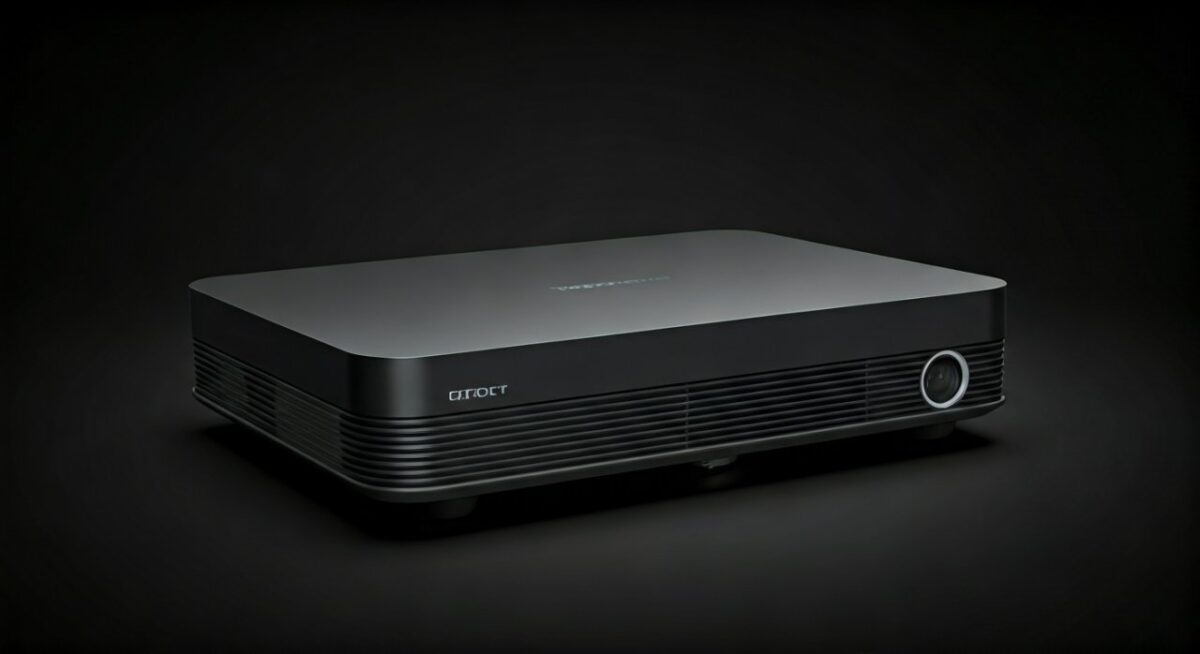
Native 4K Resolution
Native 4K (3840 x 2160 pixels) means the projector’s imaging chip actually possesses the full 8.3 million pixels. In my experience testing premium units from brands like JVC or Sony, the clarity is unmatched, especially on screens larger than 120 inches.
Pixel Shifting (XPR/eShift)
Many projectors achieve 4K by using pixel-shifting technology, which fires a lower-resolution chip multiple times per frame to create a 4K effect. While not “native,” modern versions from manufacturers like BenQ and Epson are incredibly sharp and often indistinguishable from native 4K at standard viewing distances.
Key Factors to Consider Before Buying
Selecting what is the best 4K projector for your home involves evaluating more than just the resolution. You must consider the interplay between your room’s physical characteristics and the projector’s internal specifications.
Brightness (Lumens)
Brightness is measured in ANSI Lumens. If you are installing your projector in a living room with windows, look for at least 2,500 to 3,000 lumens. For a light-controlled dedicated theater, 1,500 to 2,000 lumens is often more than enough and allows for better contrast management.
Contrast Ratio and Black Levels
Contrast is what makes an image “pop.” A high dynamic contrast ratio helps the projector distinguish between the darkest shadows and the brightest highlights. LCoS (Liquid Crystal on Silicon) technology consistently wins in this category, providing the deepest blacks for movie lovers.
Light Source: Lamp vs. Laser
- Lamp-based: Traditional, cheaper to replace, but require more frequent maintenance.
- Laser-based: Longer lifespan (often 20,000+ hours), instant on/off capabilities, and more consistent color over time.
- Recommendation: If your budget allows, laser projectors are the modern gold standard for reliability.
Step-by-Step Guide to Installing Your 4K Projector
Once you have decided on what is the best 4K projector for your needs, proper installation is the final piece of the puzzle. Follow these steps to ensure professional results.
- Measure Your Throw Distance: Check the manufacturer’s throw ratio calculator to ensure the projector will fit the distance between your wall and your desired screen size.
- Mounting Considerations: Ceiling mounts are standard for dedicated rooms, while Ultra Short Throw (UST) projectors can sit directly on a media console in front of the wall.
- Screen Selection: Do not project onto a bare wall if you want high-quality results. Use an ALR (Ambient Light Rejecting) screen to significantly boost contrast and color accuracy in rooms with light.
- Calibration: Out-of-the-box settings are rarely perfect. Use a calibration disk or hire a professional to adjust your gamma, color gamut, and white balance.
Frequently Asked Questions (FAQs)
What is the difference between a 4K projector and a standard HD projector?
A 4K projector has four times the pixels of a standard 1080p Full HD projector, resulting in significantly sharper images, better text legibility, and more refined detail in textures like skin or fabric.
Can I use a 4K projector for everyday TV and gaming?
Yes, but look for a model with a low input lag (ideally under 20ms) if you are a gamer. For everyday TV, a laser-based projector is preferred because it can handle thousands of hours of operation without needing a bulb change.
How important is HDR for 4K projectors?
HDR (High Dynamic Range) is essential for modern 4K content. It allows the projector to display a wider range of colors and brightness, making the image look much more lifelike compared to Standard Dynamic Range (SDR).
Does the screen material affect 4K image quality?
Absolutely. Using a low-quality or textured wall can cause “pixel noise” or distort the sharpness of a 4K image. A dedicated 4K-ready screen with a smooth surface is highly recommended to resolve every pixel clearly.









