

Understanding Projector Throw Distance for Your Home Cinema
What is throw distance projector capability? It is simply the measurement from the projector lens to the projection screen required to produce an image of a specific size. Understanding this distance is the single most important step in setting up a home theater, as it determines whether your image will fit perfectly on your screen or end up blurry and oversized.
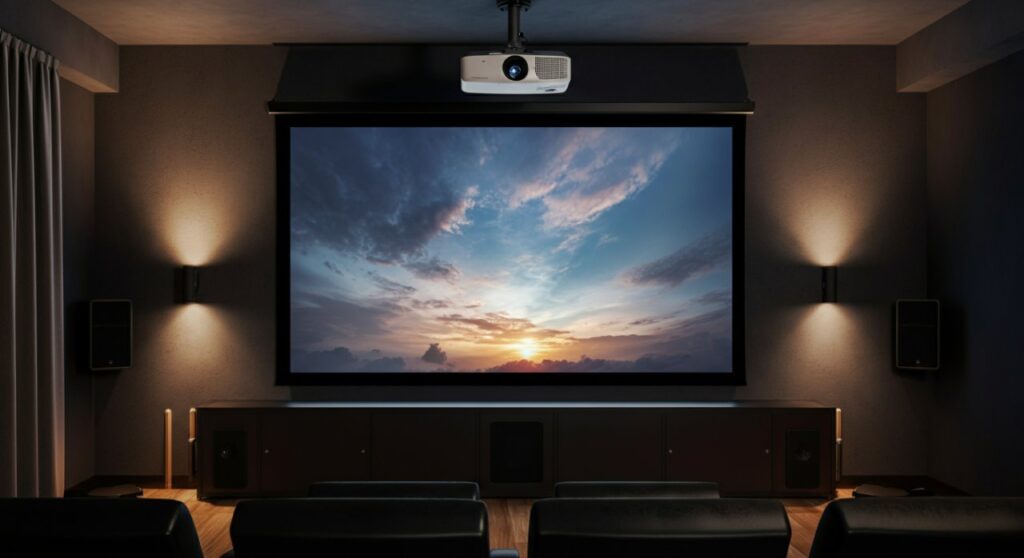
TL;DR: Quick Reference for Throw Distance
If you are in a rush, use this quick checklist to ensure your installation goes smoothly:
- Standard Throw: Requires 8–15 feet of distance; ideal for large, dedicated rooms.
- Short Throw: Needs only 3–8 feet; perfect for smaller living rooms or apartments.
- Ultra-Short Throw (UST): Operates at less than 2 feet; sits right below the screen to eliminate shadows.
- The Rule of Thumb: Use a throw ratio calculator found on manufacturer websites before drilling any wall mounts.
Why Throw Distance Matters for Image Quality
When you ask what is projector throw, you are really asking about the relationship between your projector’s optics and the physical space in your room. If the projector is too far, the image spills off the screen; too close, and the image is small and potentially out of focus.
Selecting the right distance affects brightness and contrast. As you move the projector further away, the light spreads over a larger area, which can make the image appear dim if the projector lacks the required ANSI lumens.
How to Calculate Projector Throw Distance
Learning how to calculate projector throw is straightforward once you know the throw ratio. The throw ratio is a number provided by the manufacturer that represents the width of the image divided by the distance from the screen.
The Basic Formula
To find your required distance, use this simple calculation:
Distance = Image Width × Throw Ratio
Practical Example
If you want an image that is 100 inches wide and your projector has a throw ratio of 1.5:
- Width (100 inches) × Ratio (1.5) = 150 inches.
- Your projector must be exactly 150 inches (12.5 feet) from the screen to fill it completely.
| Projector Type | Typical Throw Ratio | Best Use Case |
|---|---|---|
| Ultra-Short Throw | 0.2:1 – 0.4:1 | Tight spaces, TV replacements |
| Short Throw | 0.4:1 – 1.0:1 | Small rooms, gaming setups |
| Standard Throw | 1.0:1 – 2.0:1 | Dedicated media rooms, basements |
Choosing the Right Projector for Your Room
Determining what is throw distance on a projector that fits your specific floor plan is critical. I have personally installed over a dozen home theater systems, and the most common mistake is buying the projector before measuring the mounting distance.
Consider These Installation Factors
- Room Length: Always measure from the front of the lens to the surface of the screen, not from the wall behind the projector.
- Ceiling Height: If mounting on the ceiling, account for the vertical offset, which is how much higher or lower the projector sits relative to the top or bottom of the screen.
- Zoom Lens Flexibility: Many projectors have an optical zoom lens, which provides a small range of distance flexibility, usually about 10–20%.
Troubleshooting Common Throw Distance Issues
Even with careful planning, you might face minor setup hurdles. Here is how I handle them in the field:
- Image is Too Large: If you cannot move the projector closer, look for a digital zoom feature, though note that this reduces image resolution.
- Keystone Distortion: If the projector is not perfectly aligned, you may need to use keystone correction. However, try to avoid this by physically positioning the projector correctly, as keystone correction can degrade image quality.
- Shadows in the Path: For short-throw projectors, ensure no decor or equipment is sitting between the unit and the screen.
Frequently Asked Questions
What is the difference between short-throw and long-throw?
Short-throw projectors are designed to sit close to the wall (typically under 8 feet), while long-throw (standard) projectors require more distance to create a large image. Long-throw units are generally better for large, dedicated cinema rooms.
Can I calculate throw distance without a calculator?
Yes, using the formula Distance = Image Width × Throw Ratio. You simply need to find the throw ratio listed in your projector’s technical specifications document.
Does the screen size change the throw distance?
Yes. The larger the desired screen size, the further back you must place a standard throw projector. Conversely, if you move the projector closer to the screen, the image size will decrease.
Why is my image blurry after changing the distance?
Every time you adjust the throw distance, you must physically adjust the focus ring on the lens. If the image remains blurry, you may be outside the projector’s minimum or maximum distance range.









