

Understanding Why Your Corsair Headphones Keep Beeping
Your Corsair headphones keep beeping primarily because of a low battery alert, a lost wireless connection, or iCUE software notifications such as microphone muting. In most cases, the beeping is a built-in status indicator designed to warn you before the device shuts down or loses functionality.
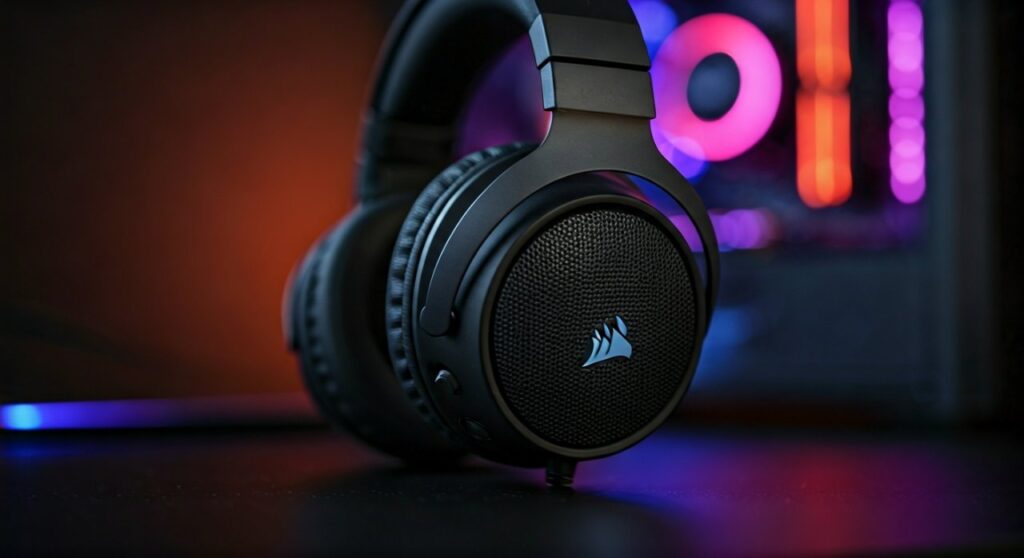
If you are hearing a repetitive single beep, it usually signals that your battery has dropped below the 15% threshold. If the beeps are rapid or double-toned, your headset is likely struggling to maintain a stable handshake with the USB wireless receiver.
To resolve this quickly, plug in your charging cable or ensure your USB dongle is plugged into a high-powered USB 3.0 port rather than a passive hub.
Key Takeaways: Quick Fixes for Corsair Beeping
| Cause | Beep Pattern | Immediate Solution |
|---|---|---|
| Low Battery | Single beep every minute | Connect the USB-C charging cable immediately. |
| Connection Loss | Rapid double beeps | Re-pair the dongle or move closer to the wireless receiver. |
| Mic Mute/Unmute | High or low single tone | Check the mute button on the left ear cup. |
| Auto-Shutdown | Multiple descending beeps | Move your mouse or play audio to reset the idle timer. |
| iCUE Notifications | Variable tones | Disable “Voice Prompts” or “Beeping” in iCUE settings. |
Common Reasons Why Your Corsair Headphones Keep Beeping
As a long-time user of the Corsair Void RGB Elite and the HS80 Wireless, I have found that these alerts are often helpful but can become intrusive if the sensors are miscalibrated. Below are the most frequent culprits behind the noise.
The Low Battery Warning
The most frequent reason why do my Corsair headphones keep beeping is that the internal lithium-ion battery is running out of juice. By default, Corsair headsets trigger a warning beep when the battery hits approximately 20%, 10%, and 5%.
If your battery is aging, it may experience voltage drops that trigger these beeps even if iCUE shows a higher percentage. This “phantom beeping” is common in older Corsair Virtuoso models that have undergone hundreds of charge cycles.
Wireless Interference and Range Issues
Corsair utilizes a 2.4GHz wireless frequency for its “Slipstream” technology. While fast, this frequency is incredibly crowded by Wi-Fi routers, microwaves, and even wireless mice.
If the headset loses its connection for even a millisecond, it will beep to notify you that it is searching for the USB transmitter. This often happens if you walk into another room or if the dongle is plugged into the back of a thick metal PC case.
Microphone Mute Status Alerts
Many Corsair models feature a “flip-to-mute” or a dedicated mute button. When you activate or deactivate the microphone, the headset provides an audible confirmation.
If your microphone is loose or the “flip” sensor is failing, it might toggle the mute status rapidly. This results in constant beeping as the software thinks you are intentionally muting and unmuting every few seconds.
How to Stop Corsair Headphones from Beeping (Step-by-Step)
If the noise is driving you crazy during a gaming session, follow these expert-tested troubleshooting steps to regain your silence.
Step 1: Disable Notifications in iCUE
The Corsair iCUE software is the control center for your peripheral. Many users don’t realize they can simply turn off the notification sounds that cause the annoyance.
- Open the iCUE software on your PC.
- Select your headset (e.g., Corsair HS80 or Void Wireless) from the dashboard.
- Navigate to the Device Settings tab.
- Look for a toggle labeled “Enable Voice Prompts” or “Enable Beeps”.
- Turn this off. This will replace the beeps with a silent transition or a voice saying “Muted/Unmuted.”
Step 2: Perform a Hardware Reset
Sometimes the internal firmware of the headset gets stuck in a “loop,” causing it to beep regardless of battery status. A hardware reset forces the processor to reboot.
- For Corsair Void / Void Pro / Void Elite:
- For Corsair Virtuoso / HS Series:
Step 3: Optimize the Wireless Dongle Placement
If the beeping is caused by a connection drop, you need to improve the “line of sight” between the USB receiver and the headset.
- Avoid plugging the dongle into USB hubs or monitor ports.
- Use a USB extension cable to bring the dongle closer to your desk surface.
- Ensure your Wi-Fi router is at least 3 feet away from your PC to prevent 2.4GHz interference.
Step 4: Adjust Auto-Shutdown Timers
Corsair headsets have an “Auto-Shutdown” feature to save battery. If you are listening to very quiet audio or nothing at all, the headset might think it’s idle and beep before turning off.
In iCUE, find the “Auto-shutdown” slider and increase it to 30 minutes or disable it entirely if you are a frequent multi-tasker who keeps the headset on during breaks.
Advanced Troubleshooting: Firmware and Drivers
If the basic steps don’t work, the issue likely resides in the software layer of Windows or the Corsair firmware.
Updating Firmware via iCUE
Corrupted firmware is a leading cause of erratic behavior. To fix this:
- Connect your headset to the PC using a high-quality USB cable.
- Ensure the USB dongle is also plugged in.
- In iCUE, go to Settings > Firmware Updates.
- Click “Check for Updates.” Even if it says it is up to date, you can often click the three dots and select “Force Update” to overwrite any corrupted files.
Resolving Windows Driver Conflicts
Sometimes Windows Sound Settings conflict with iCUE.
- Open Device Manager.
- Expand Sound, video and game controllers.
- Right-click your Corsair Headset and select Uninstall Device.
- Unplug the headset and restart your PC. Windows will automatically reinstall a clean driver upon the next plug-in.
Comparing Corsair Models: Beep Tendencies
Based on user data and technical specifications, different Corsair models handle alerts differently.
| Model Series | Common Beep Issue | Sensitivity Level |
|---|---|---|
| Corsair Void | InfoMic LED sync / Low Battery | High |
| Corsair Virtuoso | Charging port connectivity beeps | Medium |
| Corsair HS80 | Microphone position sensor beeps | Low |
| Corsair Vengeance | Legacy driver interference | Very High |
Frequently Asked Questions (FAQs)
Why do my Corsair headphones beep when they are plugged in?
This usually indicates a loose charging port or a faulty USB cable. The headset beeps every time it starts or stops receiving power. Try using a different USB-C cable to see if the beeping stops.
How do I know if the beeping is a low battery or a connection error?
A low battery beep is usually a single, consistent tone repeated every minute. A connection error is typically a rapid “double-beep” or “triple-beep” and is often accompanied by the LED on the USB dongle flashing red or white.
Can I turn off the beeping entirely?
Yes, you can disable most audible alerts within the iCUE software. Look under the “Device Settings” for your specific headset and toggle off “Voice Prompts” or “Enable Beeps.”
Why does my headset beep when I move my head?
This is a sign of a hardware failure, likely a loose wire or a failing microphone swivel sensor. If the headset beeps when tilted, it may be triggering the “Auto-Mute” feature erroneously.
Does the beeping mean my headset is dying?
Not necessarily. Most beeping is just a notification. However, if the beeping persists after a firmware update and a hard reset, the internal battery may be failing to hold a steady voltage, requiring a replacement or a warranty claim.









