

TL;DR: The Quick Connection Guide
To successfully connect your Nintendo Wii to a projector, you primarily need an AV-to-HDMI converter or a Wii-to-HDMI adapter. Because most modern projectors lack the older RCA (red, white, yellow) composite ports, these adapters bridge the gap by converting the Wii’s analog signal into a digital signal that HDMI-equipped projectors can display.
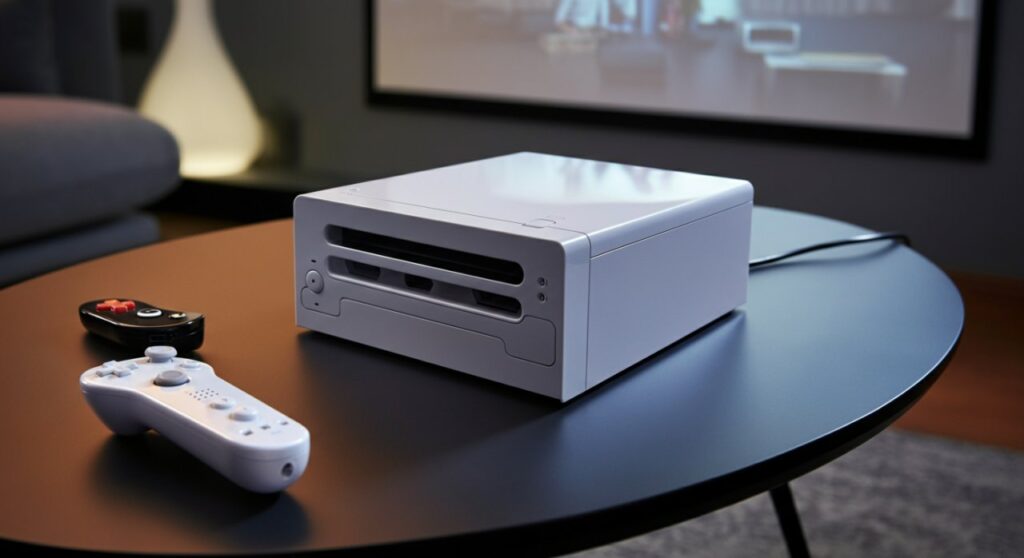
Quick Summary of Methods
| Connection Method | Hardware Needed | Best For |
|---|---|---|
| Wii-to-HDMI Adapter | HDMI Cable, Adapter | Best image quality & simplicity |
| RCA-to-HDMI Converter | RCA Cables, HDMI Cable | If you already have cables |
| Component Video | Component Cable | Older projectors with input ports |
Understanding Your Wii Video Output
The Nintendo Wii was designed during the era of analog video. It outputs a standard 480p resolution signal via its proprietary AV Multi Out port.
Most modern projectors today have moved exclusively to HDMI connections. Therefore, understanding that you are bridging an “analog legacy” device to a “digital display” is the key to solving your connectivity issues.
Method 1: Using a Wii-to-HDMI Adapter
This is the most common and recommended way to connect Wii to projector hardware. These inexpensive adapters plug directly into the back of your Wii.
Step-by-Step Instructions:
- Plug the Adapter: Insert the Wii-to-HDMI adapter into the “AV Multi Out” port on the back of your Nintendo Wii.
- Connect HDMI: Plug one end of a standard HDMI cable into the adapter and the other end into the HDMI input on your projector.
- Power Up: Connect your Wii power supply and turn on the console.
- Select Source: Power on your projector and use the remote to select the correct HDMI source/input.
Pro Tip: Ensure you set the Wii settings to “EDTV/HDTV (480p)” in the system menu for the crispest possible image before connecting to the projector.
Method 2: Using an RCA-to-HDMI Converter
If you have an older RCA composite cable (the red, white, and yellow cords) lying around, you can use a powered RCA-to-HDMI converter box.
When to use this:
- You don’t want to purchase a specific Wii-adapter.
- You have multiple legacy consoles to connect.
- Your projector has limited port space.
Simply plug the yellow, white, and red ends of your Wii cable into the corresponding ports on the converter box. Then, run a separate HDMI cable from the box to your projector. Note that this requires an extra USB power source for the converter box itself.
Critical Setup Tips for Projector Gaming
When learning how to hook up a Wii to a projector, many users forget that the Wii Sensor Bar also needs to be positioned correctly.
- Sensor Bar Placement: The sensor bar must be placed either directly above or below the center of your projected image. If the image is very large, the sensor bar might struggle to track the remote accurately.
- Brightness and Focus: Projectors perform differently than TVs. If the image looks washed out, adjust your projector brightness and ensure your focus ring is sharpest at the center of the screen.
Troubleshooting Common Issues
If you don’t see an image, don’t panic. Follow this checklist to fix the connection:
- Check Input Source: Projectors often have multiple HDMI ports (HDMI 1, HDMI 2). Ensure you are on the right one.
- Verify Resolution: If the projector screen says “Signal Out of Range,” your Wii might be set to a mode the projector doesn’t support. Try connecting the Wii to a standard TV first to change the settings to 480i/480p.
- Inspect Cables: HDMI cables can fail. If you get no signal, try a different HDMI cable before assuming the adapter is faulty.
Frequently Asked Questions
Can I connect a Wii to a projector without an adapter?
Only if your projector has an RCA (composite) or Component input port. Most modern projectors do not have these, so an adapter is almost always necessary.
Will the Wii look blurry on a large projector screen?
Because the Nintendo Wii outputs a maximum resolution of 480p, it will naturally look softer on a large screen compared to modern HD consoles. Using a high-quality Wii-to-HDMI adapter helps maintain the best possible signal quality.
Do I need special cables for the Wii?
You need either the proprietary Wii AV cable or a Wii-to-HDMI adapter. Standard HDMI cables do not fit directly into the back of a Wii console.
How do I fix lag when playing Wii on a projector?
Always check your projector’s menu for a “Game Mode” or “Low Latency Mode.” This setting disables heavy image processing that causes the delay between your controller movement and the on-screen action.









